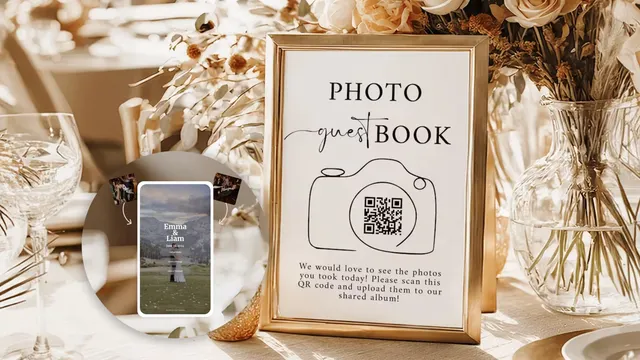
A QR code for photo sharing gives guests a single code to scan with their phone camera, instantly opening a page where they can view or upload photos. No app download, no account creation, no group chat chaos. You can create one for free in under five minutes using Google Photos and a QR code generator, or use a dedicated photo sharing platform like Wedibox that generates the QR code, collects uploads from every guest, and organizes everything in one private gallery automatically.
Look, we get it. You're deep in wedding planning mode and the absolute last thing you want to hear is "here's one more tech thing to figure out." But this one is genuinely worth five minutes of your time. Because without it, you're going to spend the weeks after your wedding chasing people down in group chats going "hey can you send me that photo you took during the first dance?" and getting a blurry screenshot back three months later.
A photo sharing QR code fixes that whole mess. Your guests already know how to use it (every phone made in the last six years has a built-in scanner), nobody has to download anything, and you wake up the morning after your wedding with hundreds of candid moments already waiting for you.
We've broken down every method below so you can pick the one that actually makes sense for your situation. Some are free, some cost about as much as a nice candle. Let's figure out which one is right for you.
The Quick Answer: 5 Ways to Create a QR Code for Photo Sharing
A QR code for photo sharing works by encoding a URL. Someone scans the code, their phone opens that link. The difference between methods is just what's on the other end of that link.
| Method | Cost | Guests Can Upload? | App Required? | Best For |
|---|---|---|---|---|
| Google Photos + QR Generator | Free | Yes (needs Google account) | No | Small gatherings |
| Cloud Storage + QR Generator | Free | Varies | Sometimes | Tech savvy groups |
| Free QR Code Generator Tool | Free | Link only (no uploads) | No | Sharing your own photos |
| Dedicated Event Platform | $29 to $99 one time | Yes, no account needed | No | Weddings + large events |
| Social Media Hashtag | Free | Sort of | Yes | Very casual parties |
Method 1: Google Photos + a Free QR Code Generator
The free route. Works surprisingly well for smaller events, and you can set it up while watching TV tonight.
Step 1: Open Google Photos and create a new album. Tap the "+" icon, select "Album," and name it something fun. ("Sarah + Jake's Wedding: Your Photos!" or whatever feels right.)
Step 2: Tap the share icon inside your album, select "Get link," and this part is important: make sure the permissions say "Anyone with the link can add photos." If you skip that toggle, guests can look but they can't upload. Ask us how we know.
Step 3: Copy that link. Go to a free QR code generator like QR Code Monkey (our favorite because you can customize colors and add a logo). Paste the link, generate, download the high res PNG.
Step 4: Print it on a sign, stick it in your programs, prop it up on a little easel at each table. Add something like "Scan to share your photos with us!" so people know what it's for.
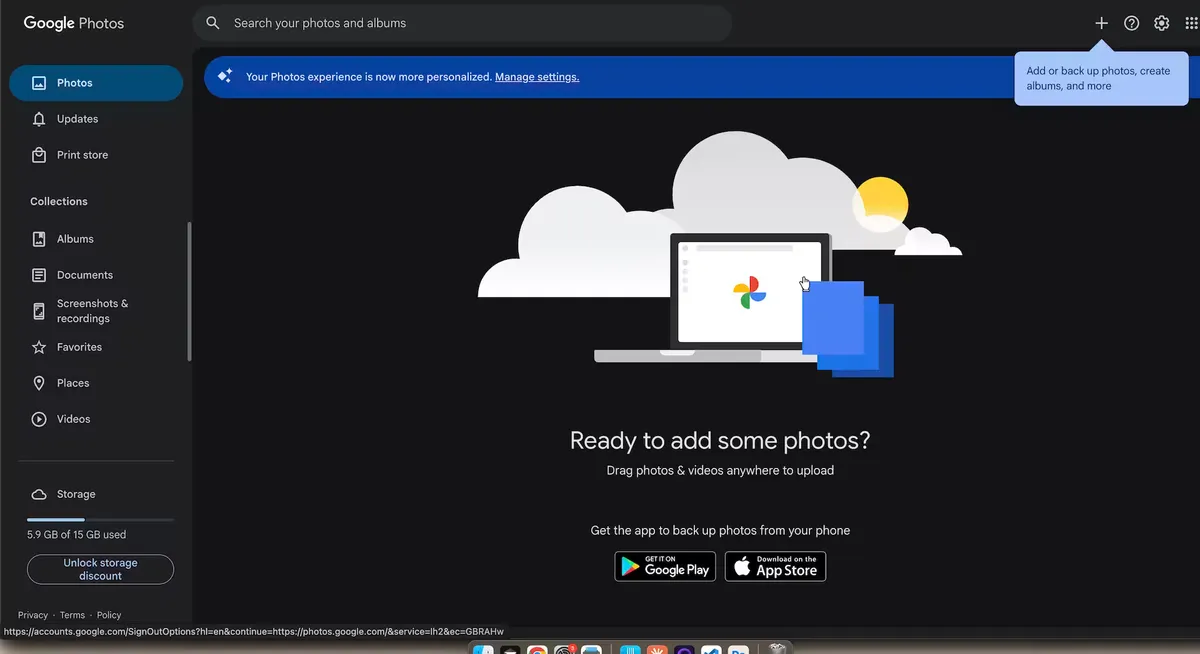
Now, the trade offs. It's free, which is great. But guests need a Google account to upload (not just to view), and not everyone has one. Or they have one but definitely don't remember the password at 9pm on a Saturday while holding a glass of prosecco. The mobile upload experience is also a bit clunky since Google Photos wasn't really built for 90 people uploading simultaneously at an event.
For a birthday dinner or a weekend trip with friends? This works. For a big wedding where you want maximum participation from guests of all ages and tech comfort levels? Eh, you might want to keep scrolling.
One more thing: test it. Seriously. Have a friend scan the code on their phone before the wedding and go through the whole upload flow. Broken permissions are shockingly common and your wedding day is a terrible time to discover that.
Method 2: Other Cloud Storage + QR Generator
Same idea, different cloud service. Dropbox, iCloud, OneDrive. If your life already lives in one of these, go for it.
Setup is the same: shared folder, grab the link, paste into a QR generator, print.
The catch is that each platform has weird quirks. iCloud works great between Apple users but can be a nightmare for Android guests. Dropbox loves to throw up a "download our app" screen right when someone's trying to upload. OneDrive wants a Microsoft account.
Honestly? This method is better for sharing your photos with people after the event. It's not great for collecting uploads from a big crowd in real time.
Method 3: Use a Free QR Code Generator Tool
Sometimes you just need a QR code that links to something. Your wedding website, your registry, a Google Drive folder. No uploads, no fancy features, just "scan this and it takes you there."
You can use QR Code Monkey, Canva's built in QR feature, or just right clicking any page in Chrome and selecting "Create QR code for this page."
Quick note on static vs. dynamic codes. A static code locks in one URL forever. A dynamic code uses a redirect so you can change the destination later without reprinting. For weddings, go dynamic. Things change constantly during planning and you do not want to reprint 150 table cards over a typo.
Method 4: A Dedicated Event Photo Sharing Platform
Okay, this is the one we get the most excited about.
If you want guests to actually upload their photos (not just view yours), a platform built specifically for event photo sharing is in a completely different league than the DIY methods above. You get one QR code. Guests scan it, their phone browser opens, they tap "upload," pick photos from their camera roll, done. No app download. No login. No "wait, do I need a Google account for this?"
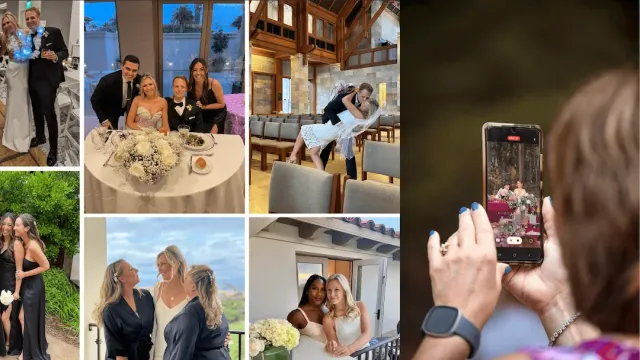
Think about it this way. Your photographer is going to nail the big moments. The ceremony, the portraits, the first dance. Beautiful, professional, worth every penny. But the photos that'll actually make you laugh and cry at 2am on a Tuesday six months later? Those come from your guests. Your dad trying to take a selfie with the flower girl. Your college friends doing something ridiculous on the dance floor. The quiet moment your aunt captured of you two when you didn't know anyone was watching.
The problem is that without an easy way to collect those photos, most of them just... stay on people's phones forever. A dedicated platform fixes that.
Data from over 100,000 weddings on Wedibox shows that couples collect 3 to 5 times more guest photos with a dedicated platform compared to Google Photos albums, hashtags, or group chats. Makes sense when you think about it. Fewer steps means more people actually do the thing.
What Wedibox Does Differently
Wedibox is more than a QR Code for photo sharing. It's basically an all in one wedding hub behind a single QR code.
Photos and videos in full resolution. No compression. When you print a guest's candid shot in your album, it looks just as crisp as your photographer's work. (For context, WhatsApp strips away 60 to 80 percent of the original image quality. Most people have no idea.)
Voice messages. This is the feature that wrecks people emotionally, in the best way. Your grandma leaving you a voice message in the moment. Your best friend, three drinks in, telling you how much your friendship means. You can't get that from a guestbook. It's an audio guestbook that guests actually use because there's zero friction.
Digital guestbook. We love handwritten guestbooks in theory. In practice, half the entries are illegible and the book disappears off the table by hour two. A digital version lives alongside your photos.
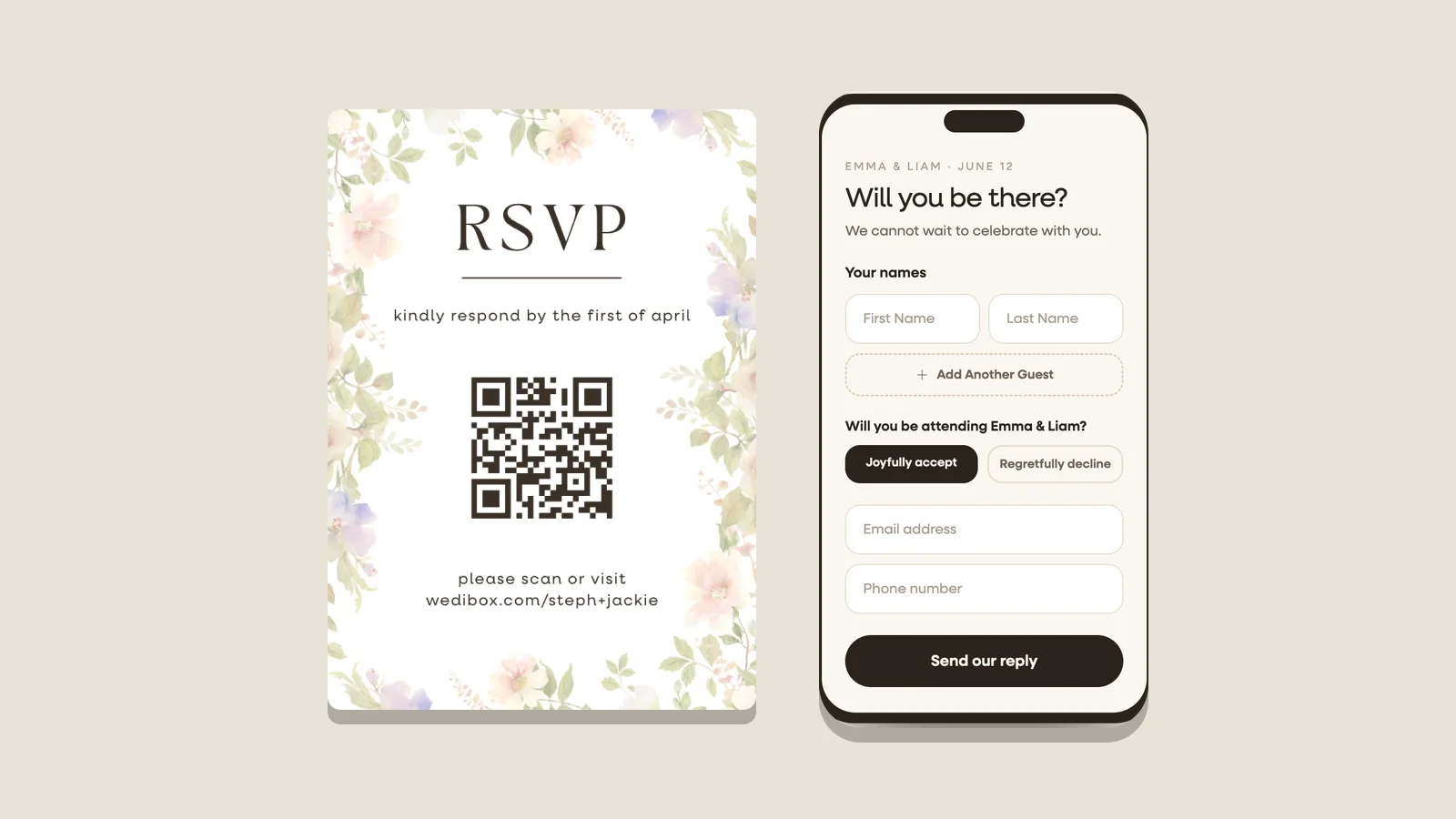
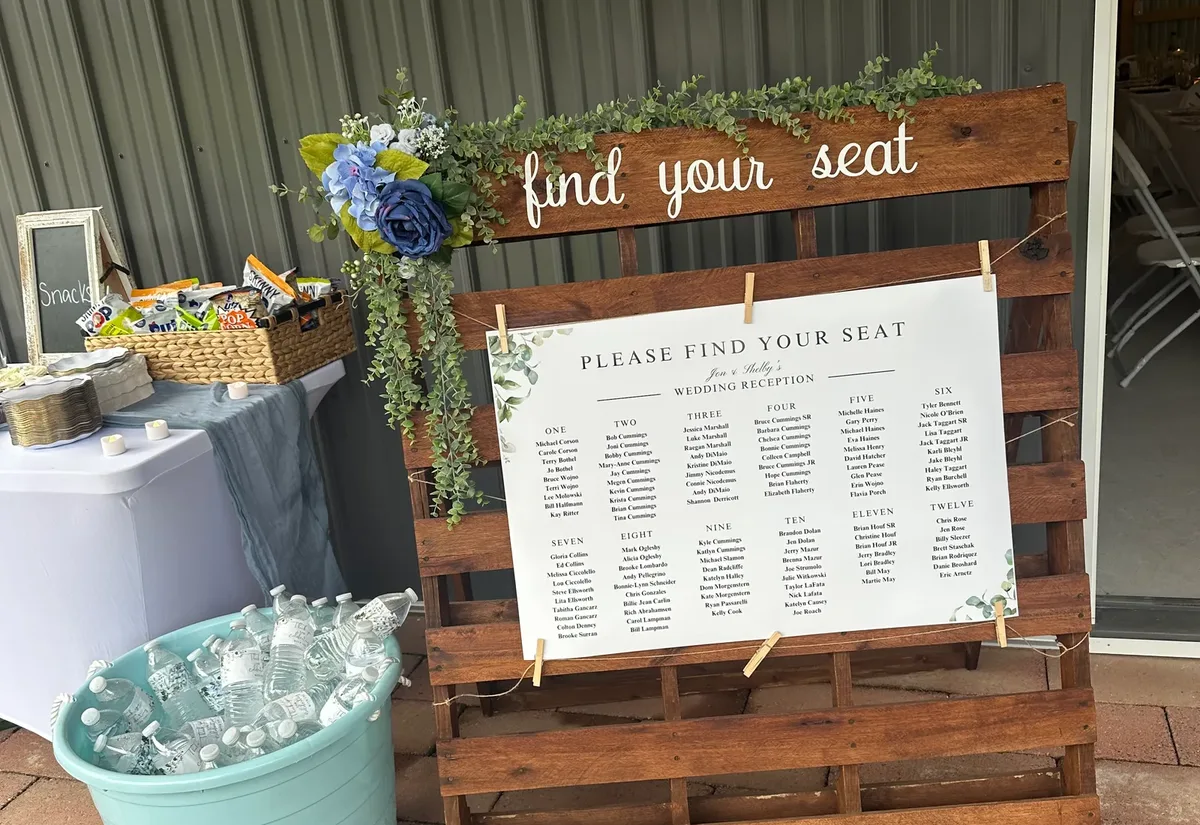
RSVPs, event schedule, seating charts, registry. All behind the same QR code. Your guests scan once and they have everything they need. You can retire the "what time does the ceremony start?" group chat.
Live slideshow. Hook a screen up at the reception and guest photos appear in real time as they're uploaded. This one is honestly just fun. People start competing to get their photo on the big screen and suddenly you've got 90% participation.
Over 100,000 weddings. 50+ countries. More than 20 million photos, videos, and messages collected. It's $49, one time. No subscription, no surprise charges.
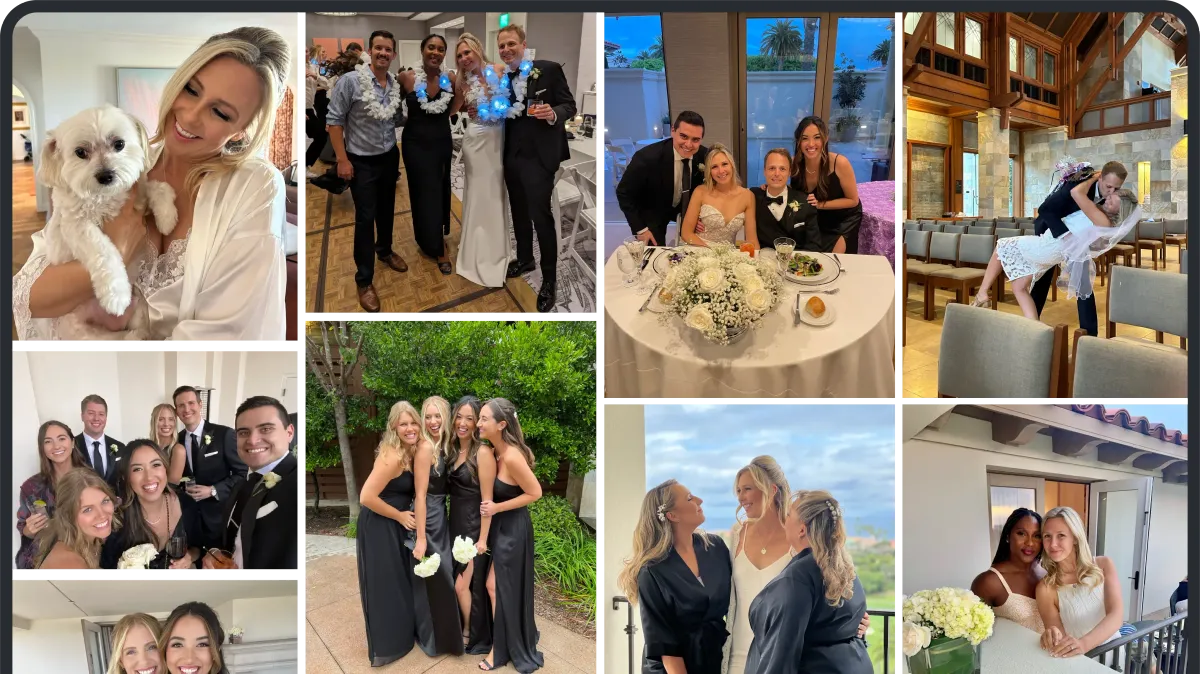
Two Minute Setup
Step 1: Create your event on Wedibox. Names, date, cover photo.
Step 2: Pick a template, match the colors to your wedding palette. Everything is mobile optimized so it looks great on any phone.
Step 3: Your QR code generates automatically. Download the high res version for printing, or order Wedibox's printed table cards shipped to your door.
Step 4: Put the QR code everywhere at your venue. Tables, bar, programs, bathroom mirrors (trust us on this one).
Step 5: Morning after the wedding, open your gallery and relive the whole night through your guests' eyes. Download everything as a zip whenever you're ready.
Other Platforms Worth Looking At
Giving you the full picture here because we think you should know your options:
GuestPix ($50, one time) does photo and video collection with a digital guestbook. Clean interface, good product. It's photo focused though, so you'd still need separate tools for RSVPs, your wedding schedule, seating charts, and everything else.
GuestCam (free tier + paid plans) is popular on Reddit. Unlimited galleries, generous free tier, and they have a free QR code generator tool on their site.
Kululu (free + paid tiers) keeps things minimal and clean. Good upload experience, has a live slideshow.
WedUploader (completely free) sends uploads straight to your Google Drive so you own the files immediately. Fewer features and a more basic guest experience, but the price is right.
Where Wedibox pulls ahead is the all in one factor. Other platforms handle photos. Wedibox replaces your wedding website, your RSVP system, your guestbook, and your photo sharing tool. One QR code, one place for everything. If simplifying your wedding tech stack sounds appealing (and after managing 47 different wedding planning tools, it probably does), that's a real advantage.
Method 5: Social Media Hashtag + QR Code
The classic. Make a hashtag, print a QR code that links to the hashtag on Instagram, ask guests to post.
We've seen this work... okay. Honestly, it struggles more than it succeeds. People misspell the hashtag (especially later in the evening). The photos are public on Instagram for anyone to see. Not all your guests have accounts. And everything gets compressed to social media quality, which is not what you want if you're planning to print any of these.
It's fine as a bonus alongside one of the other methods. Just don't count on it as your main photo collection strategy.
Pro Tips That Actually Get Guests to Participate
The tech is only half the battle. You could set up the most beautiful QR code system in the world and still end up with 40 photos from 150 guests if nobody knows it exists. These are the things that actually move the needle:
Ask your DJ or MC to announce it. Number one tip, full stop. "Hey everyone, grab your phones and scan the QR code on your table to share your photos tonight!" One announcement at the start of the reception, one before the dancing kicks off. That's it. It works absurdly well.
Put codes where phones already are. Table centerpieces (people are sitting, phones are out). The bar area (relaxed guests are way more participatory). Bathroom mirrors. Yes, bathroom mirrors. Everyone pulls out their phone in there and you might as well catch them. Cocktail hour signage. Photo booth area.
Tell people what it does. A QR code sitting on a table with no context gets ignored. Add a line: "Snap a photo? We want to see it! Scan to share." Simple, warm, clear.
Introduce it before the wedding. Put the QR code on your save the date, your wedding website, or your rehearsal dinner signage. If guests have scanned it once already, they'll do it again instinctively on the big day.
Make it big enough. Table cards: at least 2 inches across. Venue signs: 4 to 6 inches minimum. A tiny code that won't scan is worse than no code at all.
And one more: use separate albums for different parts of the night. Ceremony, reception, after party. Wedibox's multi album feature lets guests choose which album they're uploading to, so everything sorts itself. One couple told us "It felt like our guests became our photographers. Every part of the day had its own space, and we didn't have to chase anyone down afterward."
Why This Beats the Old School Methods
You've been to the weddings. The hashtag that three people used. The Google Drive link nobody could find. The WhatsApp group that turned into chaos. The "I'll AirDrop you!" that became "I'll send it later" that became nothing.
A QR code photo sharing setup works because it removes every obstacle between "I just took a great photo" and "it's now in the couple's gallery."
No app download. That's the big one. Forum after forum on The Knot and WeddingWire, this is what couples say matters most. One bride put it perfectly: "I would avoid anything that asks guests to download an app. It needs to be as easy as scan and upload."
Full quality photos. WhatsApp crushes your image quality. iMessage does the same. A dedicated platform keeps the original file so when you want to print that incredible candid shot, it actually looks good on paper.
One gallery, everything together. Not scattered across five apps and three group chats.
Private by default. No public hashtags, no forwarded album links. Just your guests, your photos, your gallery.
Ready to go?
Create your free event on Wedibox and have your QR code ready in about two minutes. Or use the free QR code generator above to make a quick code for any link.
QR Code for Wedding PicturesWhich method are you leaning toward? Tell us in the comments!