QR Code for Wedding Photos, Easy for Every Guest
A free QR code for wedding pictures collects every candid guest photo and video into one private gallery that is yours to keep.
Free to start · No app to install

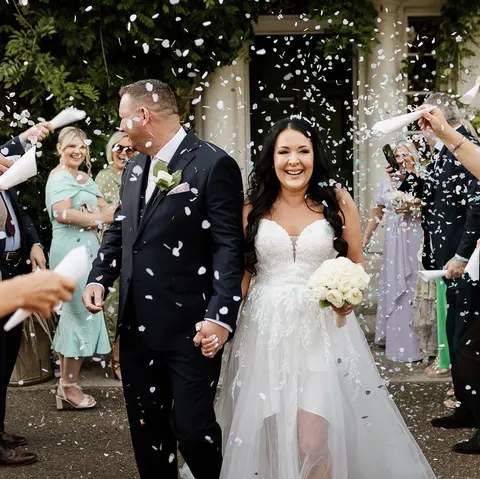
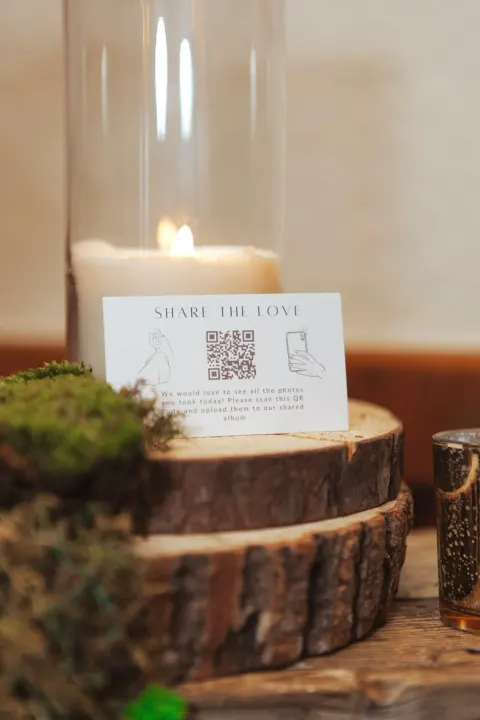
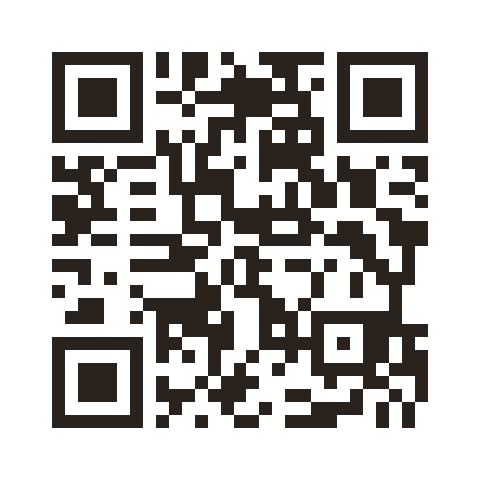 Scan to share your photos
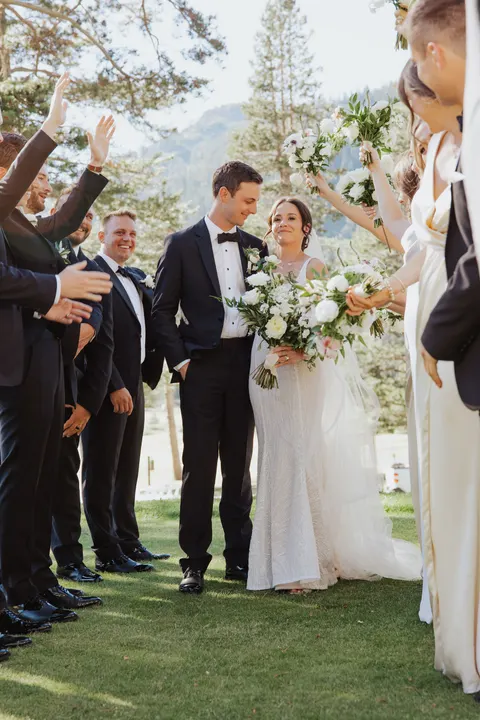
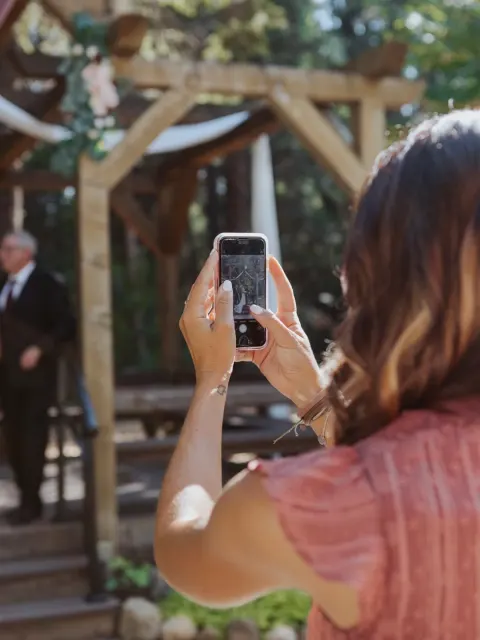
How a QR Code for Wedding Photos Works in Three Taps
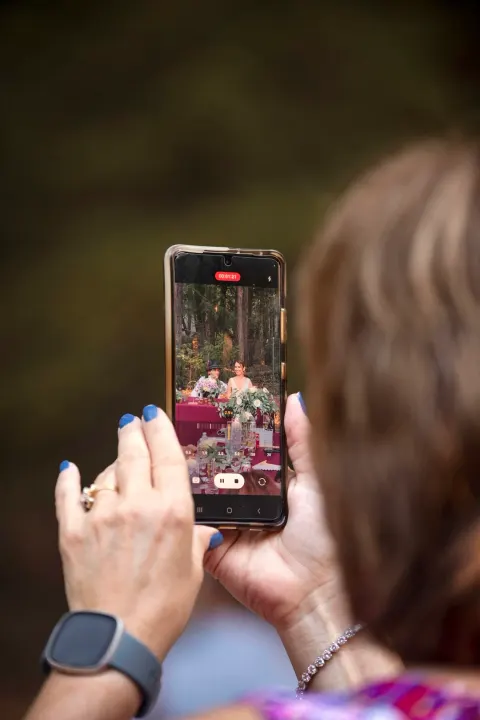
A QR code for wedding photos links to your private gallery. Guests scan it with their phone camera and upload in seconds. The same code lets guests upload wedding photos at every event and share videos you would never get otherwise. Setup takes about two minutes.
-

Create gallery
Add your names, date, and colors. This becomes the page guests see when they scan your code.
-
wedibox.com/amy-and-scott
Print your code
Wedibox generates a custom QR code linked to your gallery. Print it on table signs, menus, or programs.
-
Guests upload
Guests point their camera, tap the link, and upload from their camera roll. About fifteen seconds.
A Wedding Gallery Without Limits
Wedibox scales with your celebration. Unlimited uploads, organized albums, and full quality from the first photo to the last. The gallery is also your wedding photo website. Guests visit it online long after the day, and it grows into a shared photo album built by everyone you love.
Unlimited photos and video
No caps on the big day. Guests upload as many photos and videos as they want, and every guest can join.
Organized with albums
Sort uploads into albums like Ceremony, Cocktail Hour, and Reception. Every moment lands in the right place.





Full resolution
Original quality in and out. No compression when guests upload and none when you download.
Customizable
Match your wedding style. Your names, your colors, your cover photo, your custom URL.
Why Couples Choose Wedibox
Private by default. Ready in minutes. And fun for every guest.
Your first 50 uploads are included
Every Wedibox wedding starts with a free wedding QR code for photos. Your first 50 guest uploads, your custom code, and a shareable link cost nothing.
- One-time $49 upgrade for premium features.
- No subscription. No per guest fees.

 12 of 50 uploads
First 50 included
12 of 50 uploads
First 50 included
Private, secure, and yours
Your gallery is private by default. Only people who scan your code or hold your link can see it.
You own every file. Moderate what appears, protect the gallery with a password, and download everything whenever you want.
- Private gallery, never public.
- Password protection and photo moderation controls.
- Every photo and video belongs to you.
Gallery privacy
Private gallery
Password protection
Photo moderation
Only your guests can see it
Share your photos
Gallery password
Upload 2 photos
Guests need your password to upload
Set up in about two minutes
Create your page, pick your design, and download your QR code before dinner is ready. There is nothing to install and nothing to learn.
- No design skills needed.
- Your QR code generates instantly.
- Print it or share the link right away.
 Our wedding
Amber + Sam
September 27th, 2026
Share your photos
Our wedding
Amber + Sam
September 27th, 2026
Share your photos
Guests like and comment on every photo
Your gallery is not a folder. Guests react to photos, leave comments, and relive the day together.
Every like and note stays with the photo in your keepsake archive.
- Likes on every photo and video.
- Comments from the people who were there.
- Reactions stay with your archive forever.
12
8
24
+20
Wedibox also includes organized albums, a live slideshow, an audio guestbook, RSVP tracking, and a seating chart that syncs with your guest list. Everything lives behind one QR code.
Get a Free QR Code for Wedding Photos
Wedibox gives every couple a free QR code for wedding photos. The free plan includes your custom code, a wedding photo website with your names on it, and your first 50 guest uploads. There is no credit card and no trial clock. One $49 upgrade unlocks unlimited uploads if you ever need more. There is no subscription.
Free QR Code Sign Templates
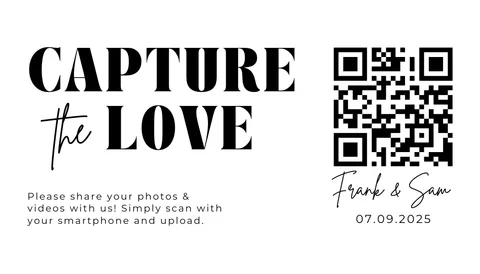
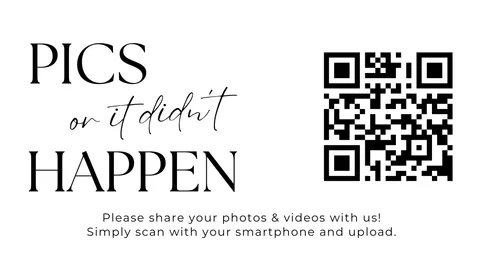
Every plan includes printable sign templates from Wedibox Studio. Pick a design, add your names, and your QR code is ready for table cards, welcome signs, and programs.








Best Places to Put Your Wedding Photo QR Code
Placement decides how many photos you collect. Print your code on table signs, mini cards, and programs, then put it where guests already look. These five ideas work at almost every wedding, and the sign templates above fit each spot.
-
Pre-wedding events
Introduce your code at the engagement party and the shower. Guests learn the system early, so uploads feel automatic on the wedding day.
-
Ceremony exit
Place a sign where guests walk out. The back rows share angles your photographer never sees.
-
The bar at cocktail hour
Guests wait for drinks anyway. A small sign at the bar turns the wait into upload time.
-
Reception tables
Mini QR cards on the centerpieces stay in view all night. Guests scan while they eat and talk.
-
The dance floor
A sign near the speakers catches guests between songs. The pics land in your gallery while the party is still going.
Wedding Photo QR Code vs. Other Sharing Methods
Every other method loses photos. Hashtags capture only what guests remember to post. Chat apps crush photo quality. Without a system, couples see only a fraction of the guest photos taken at their wedding.
Texting is the most common fallback, and it is the weakest one. Group threads shrink every image, videos arrive blurry, and you have to ask each guest one by one. Many photos never leave a guest's camera roll. A QR code on the table does the asking for you. Guests scan once and upload at full size while the moment is fresh, and every photo lands in one gallery instead of a dozen chat threads.
Couples who use a QR code system collect 200 to 2,000+ guest photos compared to the 40 to 50 they would get without one. Here is the full comparison.
| Feature | Wedibox | Generic upload form |
|---|---|---|
| App download needed | No | Often yes |
| Photo quality | Full resolution | Compressed or varies |
| All photos in one place | Yes, private gallery | Scattered across platforms |
| Works for all ages | Yes, scan and upload | Not always intuitive |
| Guest participation rate | High: average 247 photos | Low: 10 to 30 percent |
| Unlimited uploads | Yes | Often limited or paid |
| Personalized wedding page | Your names, colors, and photos | No |
| Printable QR code signs | Downloadable templates included | Not available |
| Live slideshow at reception | Real time on any screen | Not possible |
| Audio guestbook | Voice messages from guests included | Not available |
| Works across multi-day events | Rehearsal, ceremony, reception | Separate threads for each |
| Setup time | Under 2 minutes | Varies, often complicated |
What to Look for in a Wedding QR Code for Photo Sharing
Not every QR code photo sharing service works the same way. Some only collect photos. Some make guests install an app. Some charge every month. Here is what to check before you choose.
-
No app and no account for guests
If guests must install anything, most give up before the first photo. The right one works in the phone browser. Point the camera, tap the link, upload.
-
More than photo collection
The strongest platforms also collect voice messages and written notes, and handle your RSVPs and seating chart. One tool instead of five.
-
A real wedding photo website
Guests should land on a page with your names and your colors, not a bare upload site with someone else’s logo. Your gallery should live on your own wedding website.
-
Full resolution in and out
Some services compress uploads to save storage. Those photos look fine on a phone and fall apart in a frame. Quality should stay original both ways, sharp enough to print next to your wedding photography.
-
Albums for every event
A rehearsal dinner, a ceremony, and a Sunday brunch should not need three codes. One code with a photo album for each event keeps everything sorted.
-
Proven at real weddings
Check reviews and the track record before you trust a platform with memories you cannot replace. Wedibox has powered 100,000+ weddings in 50+ countries.
Wedibox checks every box. See how the best wedding photo sharing apps compare →
I noticed the problem as a wedding photographer. While couples posed for portraits, guests captured the real moments. Candid laughs. Dance floor chaos. The tears nobody saw coming. Those photos disappeared into camera rolls. I built Wedibox in 2022 to bring them home.
Your Questions About QR Codes for Wedding Photos, Answered
Here are a few things couples ask before falling in love with Wedibox.
What is the best QR code for wedding pictures?
The right one lets guests upload photos instantly, without downloading an app or creating an account. Wedibox gives you a private, full-resolution gallery where guests scan, upload, and share from a single code.
Is there a free QR code for wedding photos?
Yes. Wedibox is free to start. Your first 50 guest uploads, your custom QR code, and a shareable link cost nothing. There is no credit card and no trial clock. A one-time $49 upgrade unlocks unlimited uploads and premium features.
How much does it cost to use a QR code for wedding photos?
With Wedibox, the QR code itself costs nothing. The Free plan includes your code, a share link, and your first 50 guest uploads. The Wedding plan is a one-time $49. It unlocks unlimited photo and video uploads, audio guestbook messages, and your wedding website. The All-In-One plan is a one-time $79 and adds RSVP and seating. There is no subscription and no per-guest fee.
Is Wedibox worth it?
For most couples, yes. The Wedding plan is a one-time $49. That is less than a set of disposable cameras for your tables, and you get every photo in full resolution the same day. Guests upload hundreds of photos and videos you would never see otherwise. You can start on the free plan with no credit card and decide to upgrade only when the uploads come in.
How do I create a QR code for my wedding photos?
Sign up for Wedibox and create your event. Your custom QR code generates automatically. Setup takes under two minutes. Download the QR code and print it on table signs, programs, or menus.
Are uploads private?
Completely. Your gallery is only accessible to people who scan your QR code or have your private link. Nothing gets shared publicly unless you choose to share it.
How many photos will guests actually upload?
Most Wedibox weddings collect hundreds of guest photos and videos across the event. The exact number depends on guest count and how prominently you display your QR code. Couples who place the QR code on table signs, programs, and welcome signs collect the most content.
Can guests upload after the wedding?
Yes. For as long as you keep your gallery open. Many couples collect photos for weeks afterward from guests who forgot to upload in the moment.
Is there a limit to how many photos guests can share?
No limit. Guests can upload as many photos and videos as they want, and you can invite as many guests as you have.
Is a QR code better than a wedding hashtag for collecting photos?
Yes, for capturing every photo. Hashtags rely on guests remembering to post and tag correctly on social media. A QR code gives guests a direct upload link and captures significantly more photos. The best approach is to use both: a hashtag for social sharing and a QR code to keep every memory.
Do guests need to download an app to upload photos?
Guests do not need to download any apps. They scan your wedding QR code and start uploading photos, videos, and messages from the browser on their phone. The process works on iPhone, Android, and any device with a camera and internet connection.
Do guests need a QR code scanner app?
No. The phone camera is the scanner. Guests point the camera at your wedding QR code and tap the link that appears. This works on iPhone and Android. Some guests call it a wedding barcode, and the same scan works either way. Anyone who has trouble scanning can type your short link into a browser instead.
See Every Step in the Help Center
These guides walk through the exact screens, with real screenshots. You can check how it works before you sign up.
How to collect wedding photos from your guests
Turn on photo collection, download your QR code, and share the link so every guest photo and video lands in one gallery. No app needed.
Read the guideHow to get your wedding QR code
Find, customize, and download the QR code guests scan to reach your wedding page. It never changes, so you can print it early.
Read the guideHow to do a test upload before the wedding
Scan your own QR code, upload a test photo, and watch it land in your gallery. On the Free plan it earns you 15% off your first activation.
Read the guide4.9 · 500+ reviews
The Wedibox Wall
Do not take our word for it. Here is what couples say after the big day.
-
Over 1,000 photos Rebekah H. · Google review
Rated 5 out of 5
Scan the QR code and you are all set. I ended up with over 1000 photos on it and still room for more.
-
500+ pictures for $50 Brittany S. · Google review
Rated 5 out of 5
We ended up having over 500 pictures uploaded for $50! This whole process seriously made our day so much easier to enjoy and see all the different perspectives from our guests.
-
800 pictures, 200 videos Becky C. · Google review
Rated 5 out of 5
Sharing our wedding pictures through Wedibox was so easy! We accumulated 800 pictures and 200 videos over our destination wedding in Mexico.
-
Easy for guests of all ages Jackie F. · Google review
Rated 5 out of 5
Wedibox was so easy for guests of all ages to use and it was amazing to see photos immediately after our wedding since the professional photos can take weeks to come in.
-
Just incredible Shelley C. · Google review
Rated 5 out of 5
We had little cards printed with the QR code on and we ended up with over 600 photos and videos that our guests uploaded, just incredible. Exceptional value for money, just priceless!
-
Photos we would have missed Michael · Google review
Rated 5 out of 5
We used the QR code at our rehearsal dinner and ceremony to get over 200 photos that we would have never gotten without it.
-
A seamless experience Izzie P. · Google review
Rated 5 out of 5
They don’t have to download anything or log in anywhere, it is a seamless experience. Our guests loved using it and we had over 250 pictures submitted!

Your Guests Already Have the Photos. Make Sure You Get Them.
Every wedding has a second version of the day sitting in the camera rolls of your guests. The candid reactions. The in-between moments. The dance floor videos you will want to watch over and over.
Set up your Wedibox gallery in minutes. Share one QR code. Wake up to hundreds of photos from the best day of your life. Your wedding date is already set. Your gallery should be too.
Set up in minutes · Private by default · Free to start