

Direct embed
Embed Photo Sharing in Your WedSites Wedding Website
WedSites has a built-in HTML Code section made for exactly this. Paste the Wedibox snippet and the photo sharing widget appears on your page in seconds. The fastest embed setup of any platform.
Get Your Free Code See the Steps
Free to start · About 3 minutes · No developer needed
Add Wedibox to WedSites in 6 Steps
Follow along in your WedSites editor. The whole process takes about 3 minutes.
First, grab your Wedibox embed code
Create your free Wedibox gallery and copy your embed code from the dashboard. It takes about a minute, and the first 50 uploads are free.
-
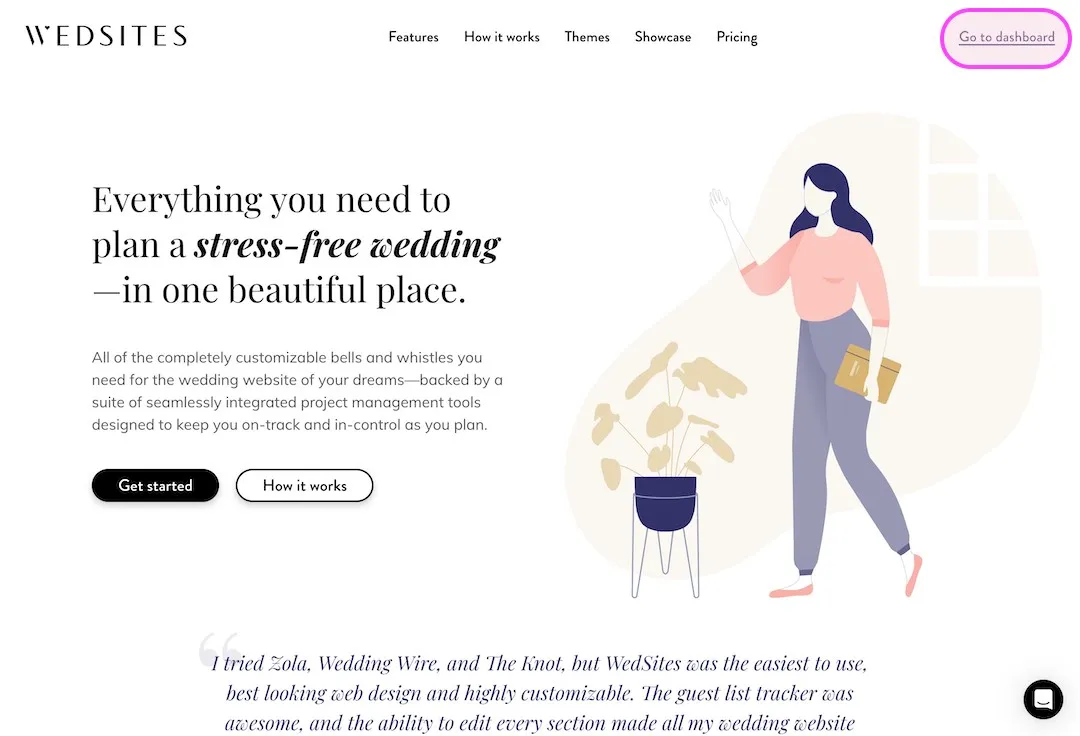
Log in to WedSites
Go to wedsites.com and click Go to Dashboard.
-
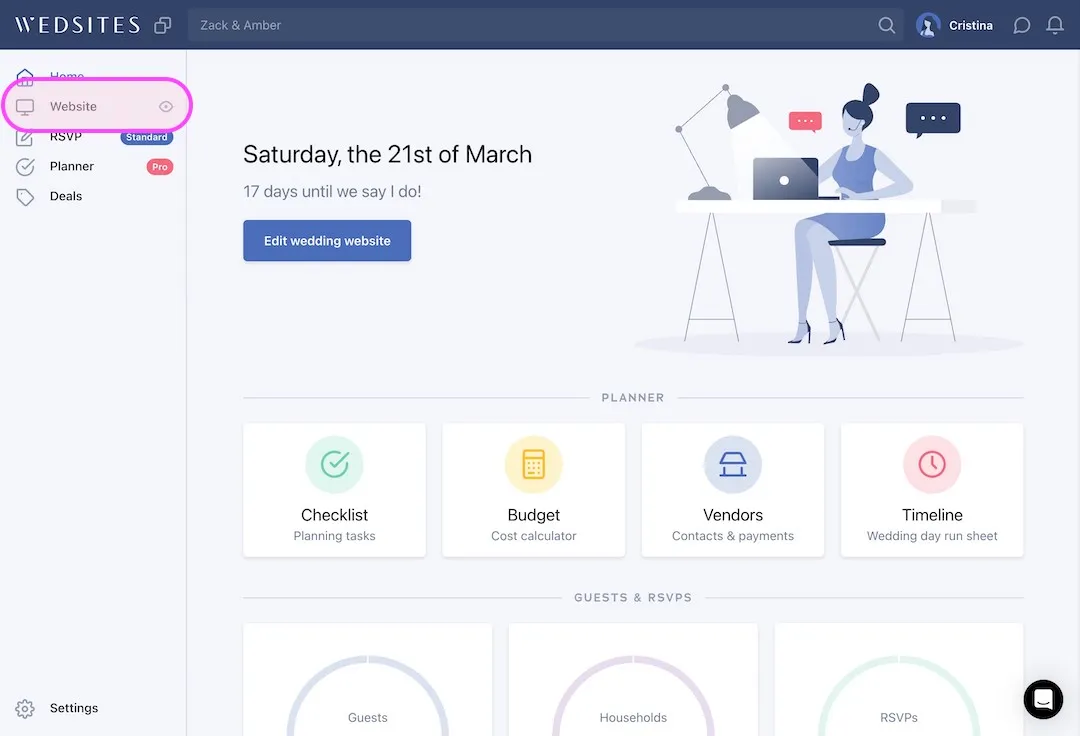
Open your website editor
Click Website in your dashboard to open the wedding site editor.
-
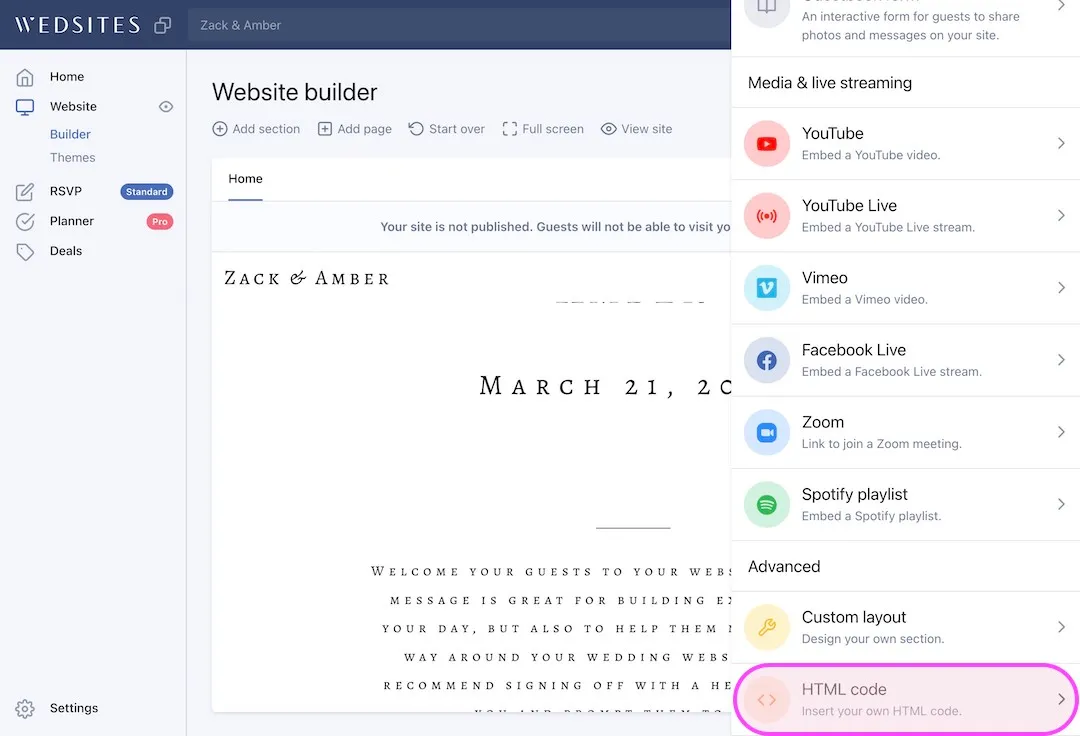
Add an HTML Code section
Click the plus button to add a new section, then scroll through the options and select HTML Code.
-
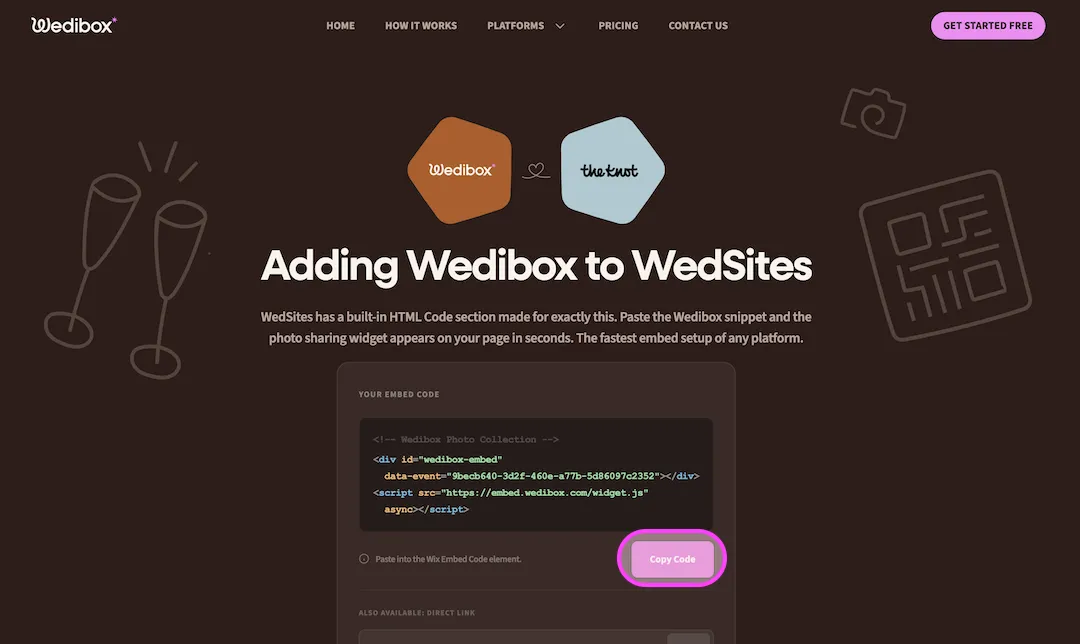
Copy your Wedibox code
Your two line embed code lives in your Wedibox dashboard. Copy it.
-
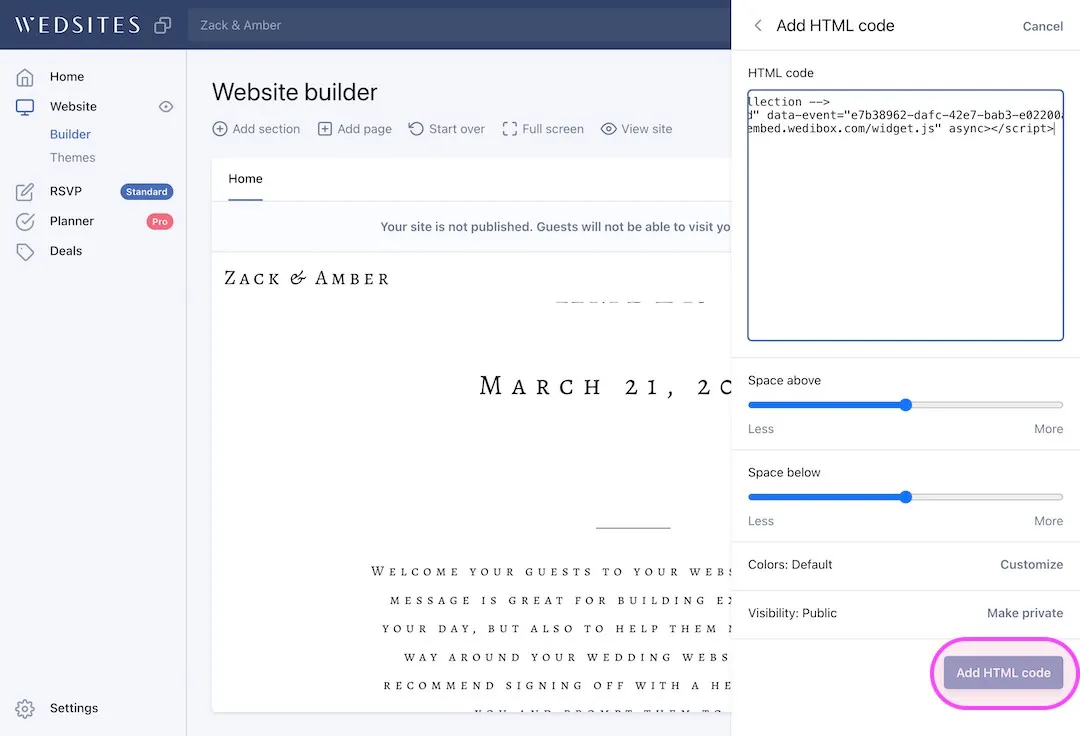
Paste your Wedibox code
Paste your Wedibox embed code into the HTML code editor, then click Add HTML Code.
-
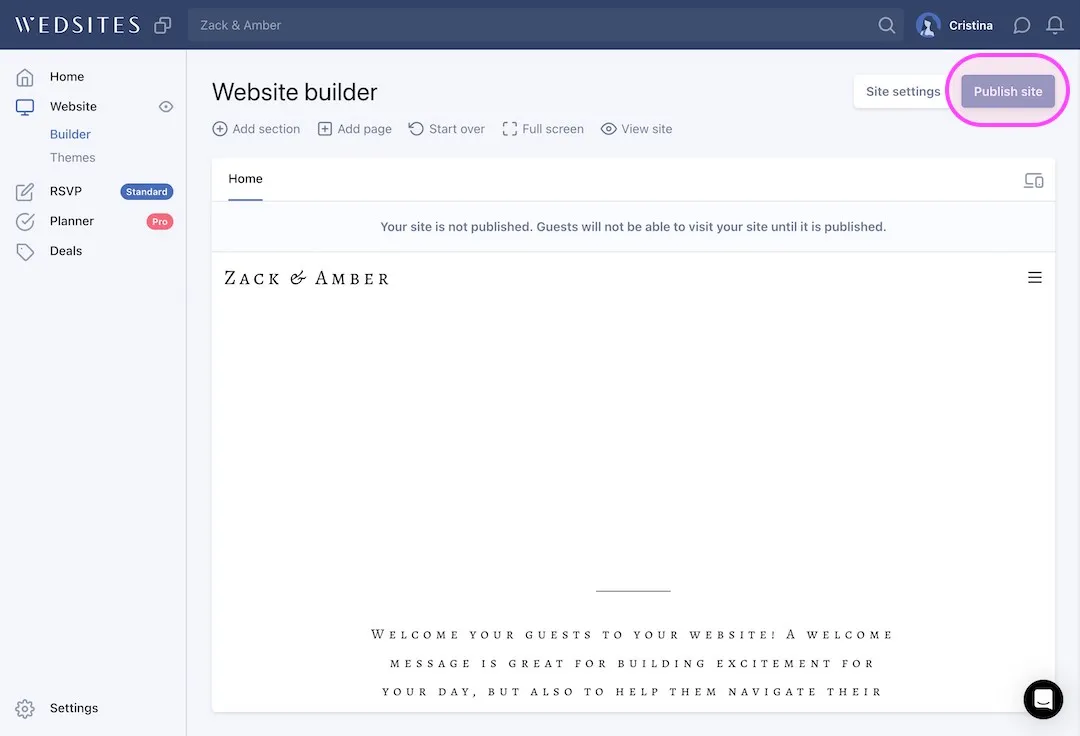
Publish and preview
Click Publish and preview your updated site. The Wedibox widget is now live on your WedSites wedding page.
What Your Guests Will See
The Wedibox widget appears directly on your WedSites wedding page. Guests never leave your site. They tap upload, pick their photos, and they are done.
- No app for guests to install
- Works on iPhone and Android
- Photos and videos in full resolution
- 50 free uploads to start
Emma & Ben
Wedibox widget
Upload Photos



247 guest uploads
Why Add Wedibox to Your WedSites Website
-
Built for custom HTML
WedSites ships an HTML Code section on purpose. The widget drops straight in with no workarounds.
-
The fastest setup
About 3 minutes from dashboard to live widget. The fastest of any platform in these guides.
-
Guests upload in place
The widget sits with your event details, RSVP, and registry, so guests never leave your site.
Common Questions About Wedibox on WedSites
These cover WedSites specifics. For pricing, upload limits, and everything else, see the full Embed FAQ.
Why is WedSites the fastest platform for the widget?
WedSites has a purpose-built HTML Code section, so there is no workaround involved. You paste the snippet, click Add HTML Code, and publish.
Where should the widget section go on my page?
Most couples place it right after the schedule or RSVP section. Anywhere works. The widget adapts to the width it is given.
Can I still use the rest of my WedSites tools?
Yes. The widget is one section on your page. Your planner, guest list, and RSVP tools keep working as before.
Using a Different Platform?
Every platform has its own short setup guide.
 The Knot
 Zola
Zola
 WithJoy
 Wix
Wix
 Squarespace
 Minted
 SayIDo
 Canva
Canva
Ready to Add Photo Sharing to Your Website?
Generate your free code snippet and add it to your wedding website today. Guests handle the rest.
- Works with The Knot, Zola, Joy, Wix, and more
- Guests upload right on your site
- No app for guests to install
- 50 free uploads to start
- $29 one time, never a subscription
- Photos transfer if you upgrade later
Free to start · $29 one time · 3 month upload window
Want everything in one place instead? Explore Wedibox photo sharing or see how the full platform works.