
Yes. The QR code points to your seating chart page, not to fixed data. Update assignments from your phone or laptop and guests see the new version when they scan. No reprinting needed.

Guests scan one QR code, type their name into a smart search bar, and walk straight to their table. No paper poster blocking the entrance. No reprint panic when seats change.
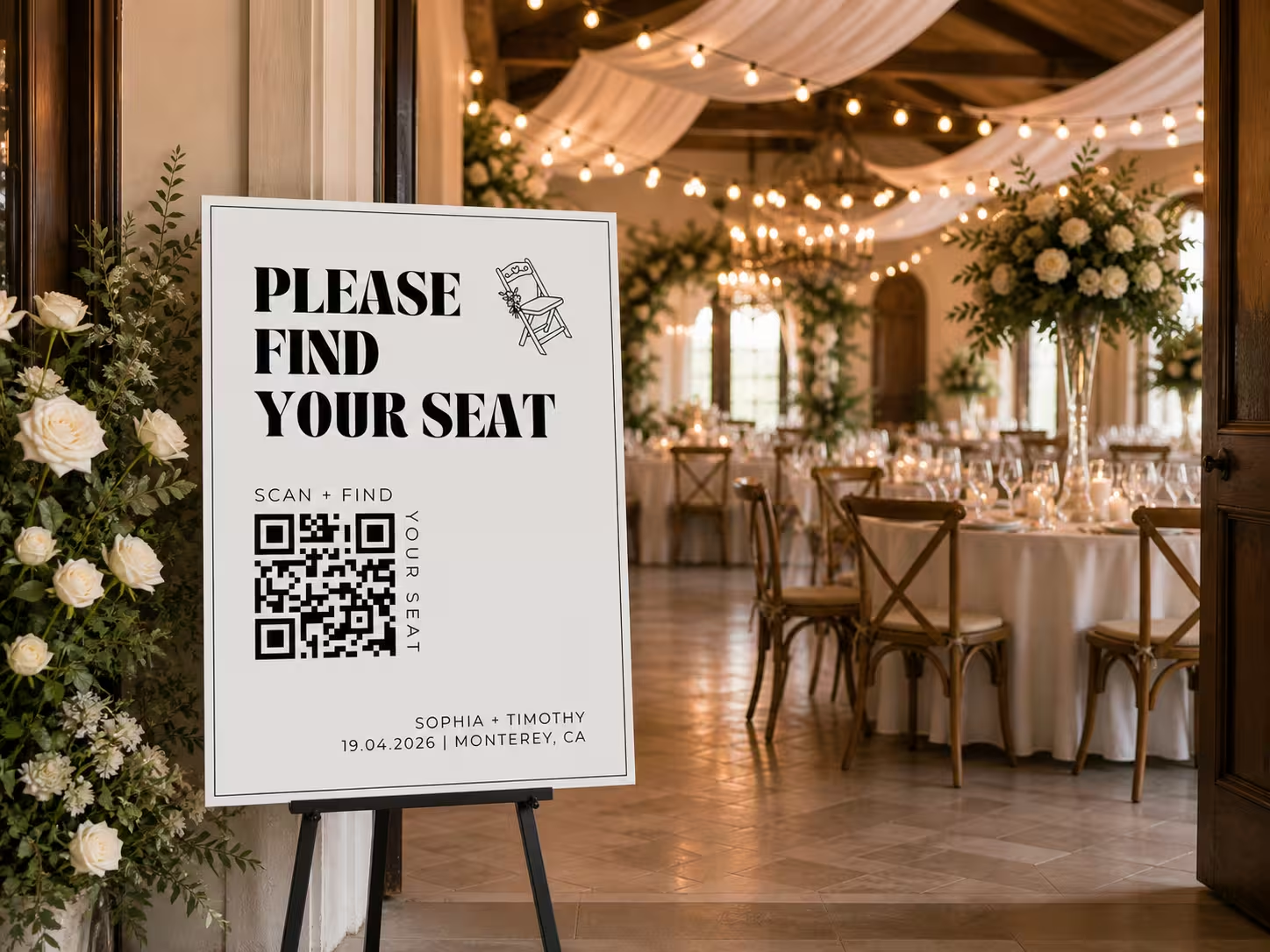
A digital seating chart is a wedding seating plan that lives online instead of on a poster board. Guests scan a QR code with their phone, type their name into a search bar, and instantly see their table. Couples update it from anywhere, even after the signs are printed. No reprints. No bottleneck at the door.
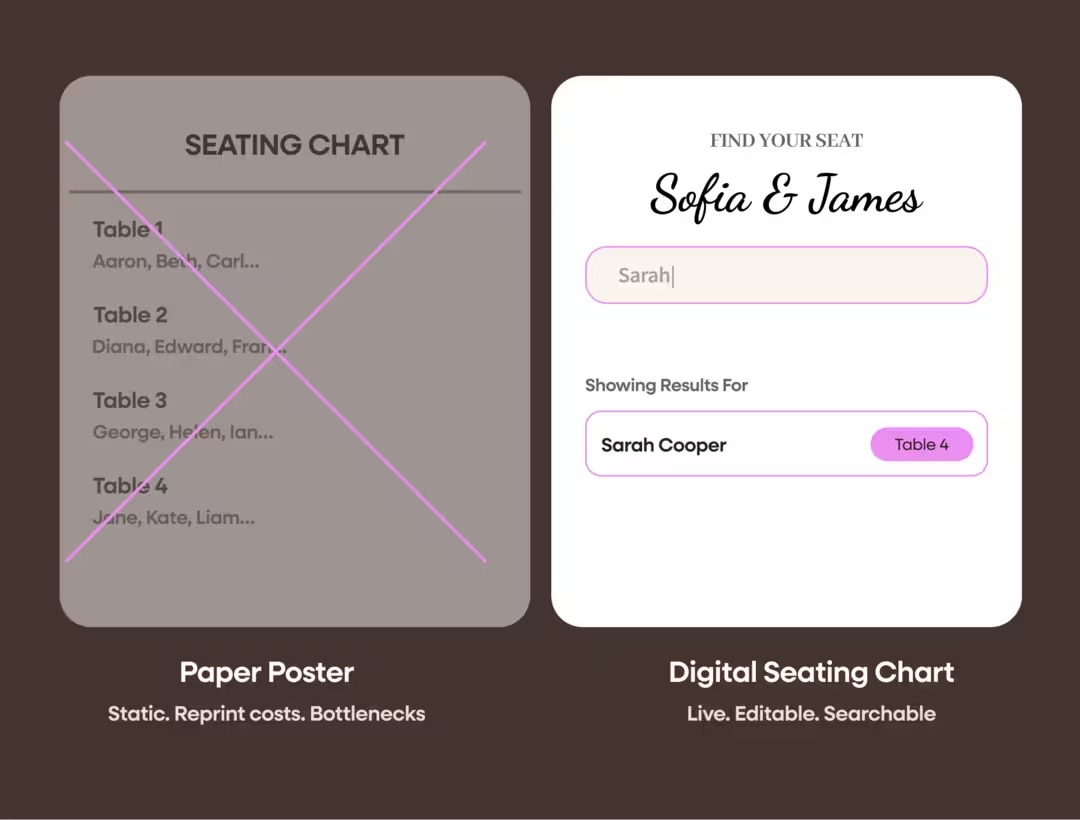
Every couple says the same thing the day after. The seating chart caused chaos. Guests crowded around one poster. Three tables changed last minute and the printer was already closed. Escort cards blew over at the outdoor venue. A QR code seating chart fixes all of it. Guests scan, search, sit. Tables shift, you update from your phone, the same QR code keeps working.

Fifty guests squinting at tiny names from three feet away. Total bottleneck for the first thirty minutes.
Knocked over, shuffled out of order, blown across the lawn. Half your guests cannot find their card.
Three guests cancel the day before. You drive to the print shop at 9pm. Two hundred dollars and a panic attack later.

Scan. Search your name. See your table. Fifteen seconds total. Update assignments from your phone the morning of. The QR code does not change.
Setting up takes about five minutes. Here is the full process.
1
Drag names into table assignments. Rearrange as your RSVPs change. The interface works how you'd expect.

2
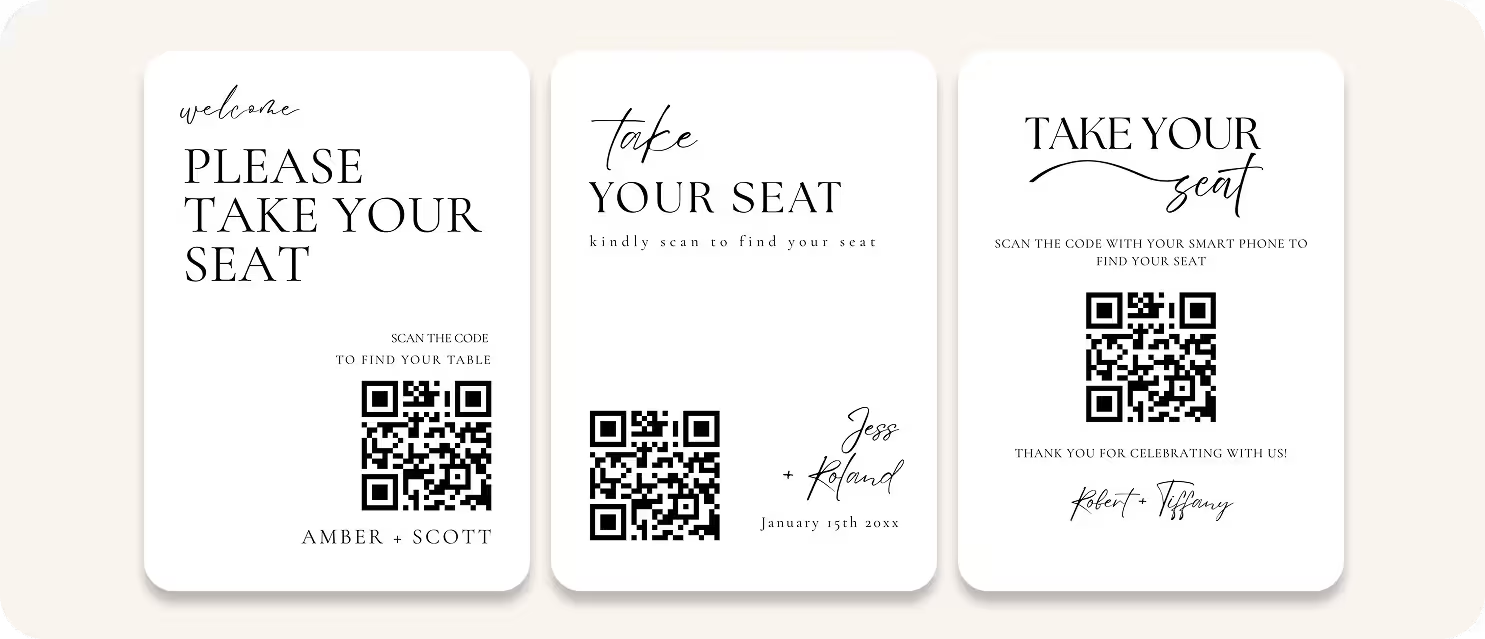
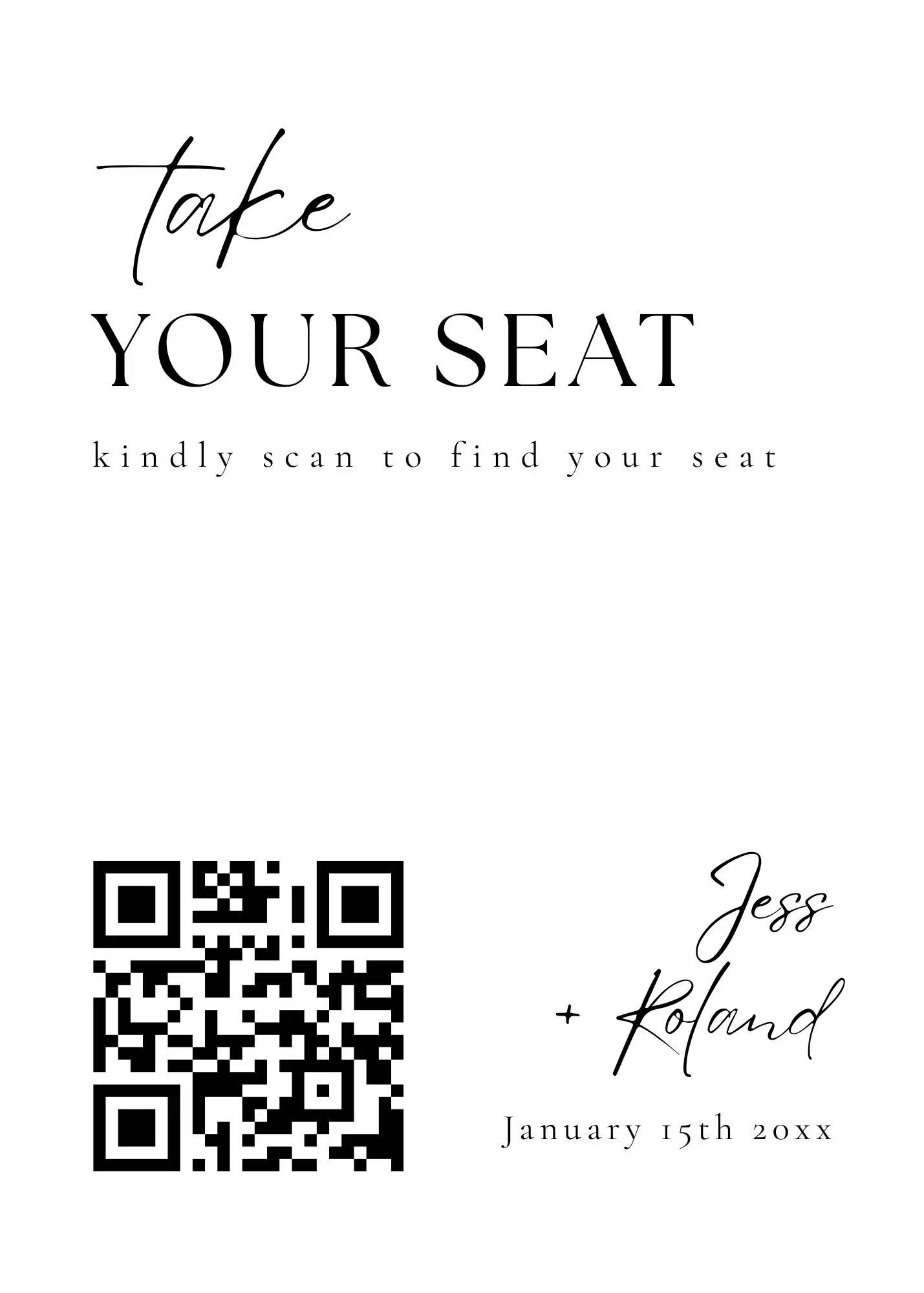
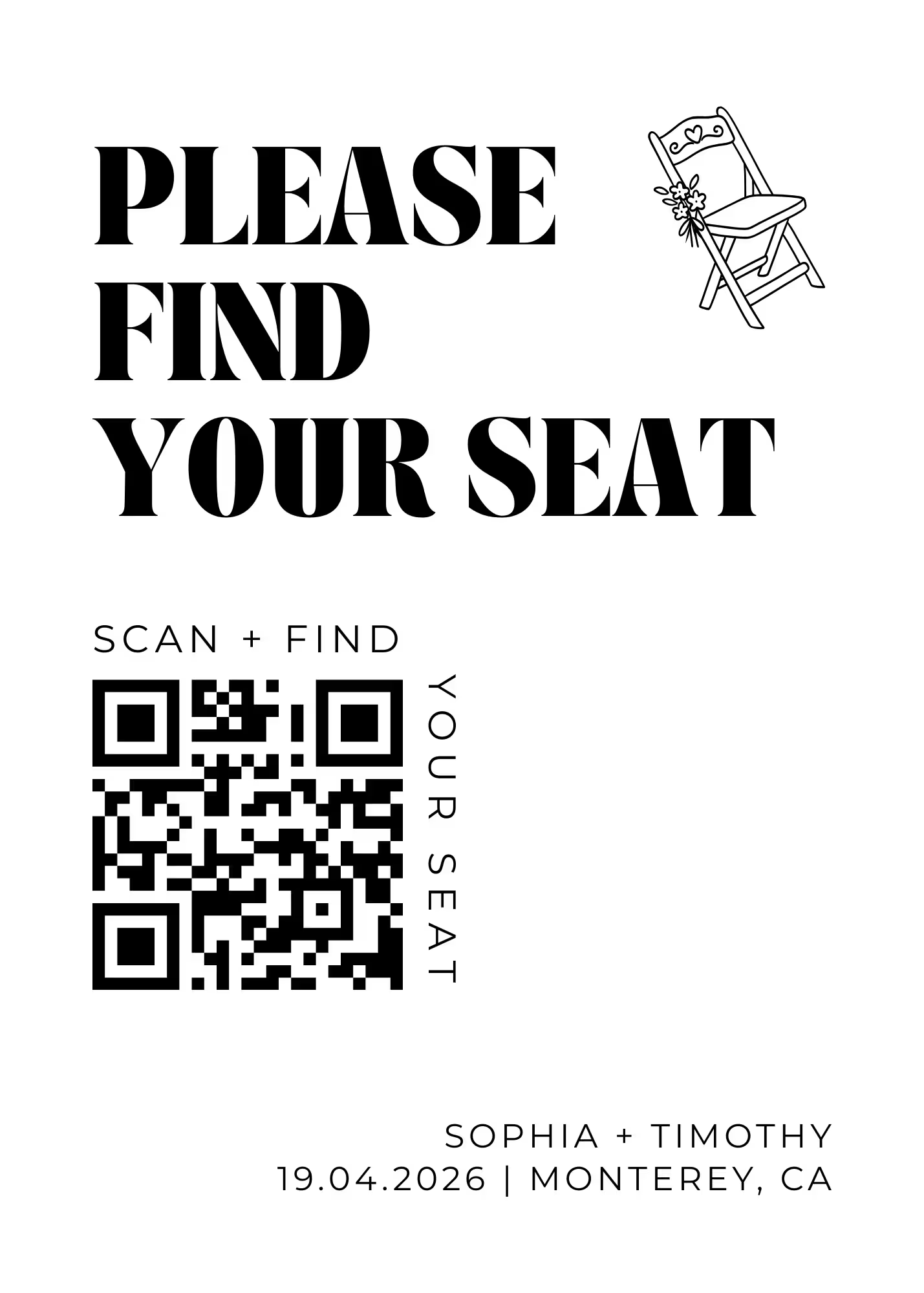
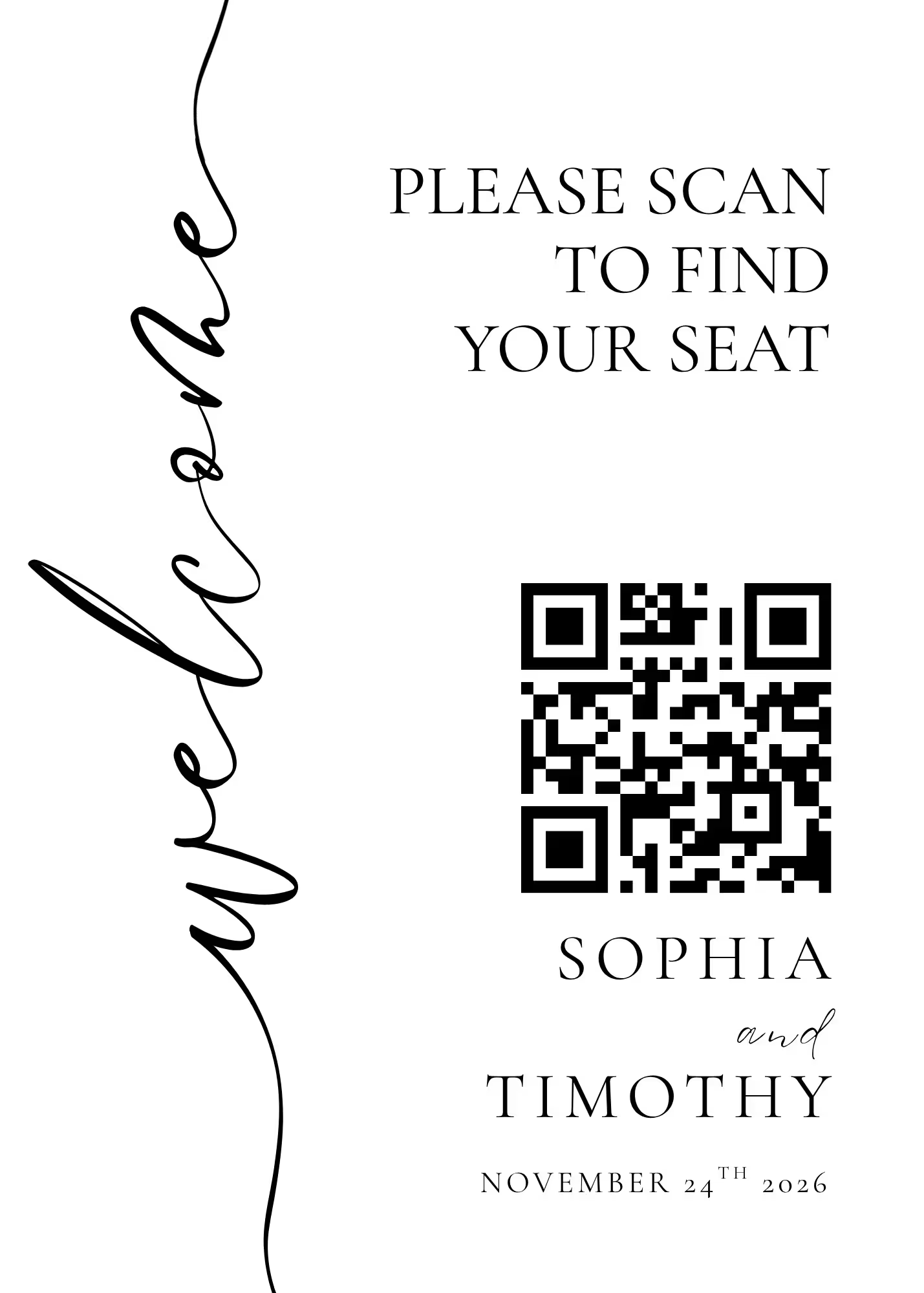
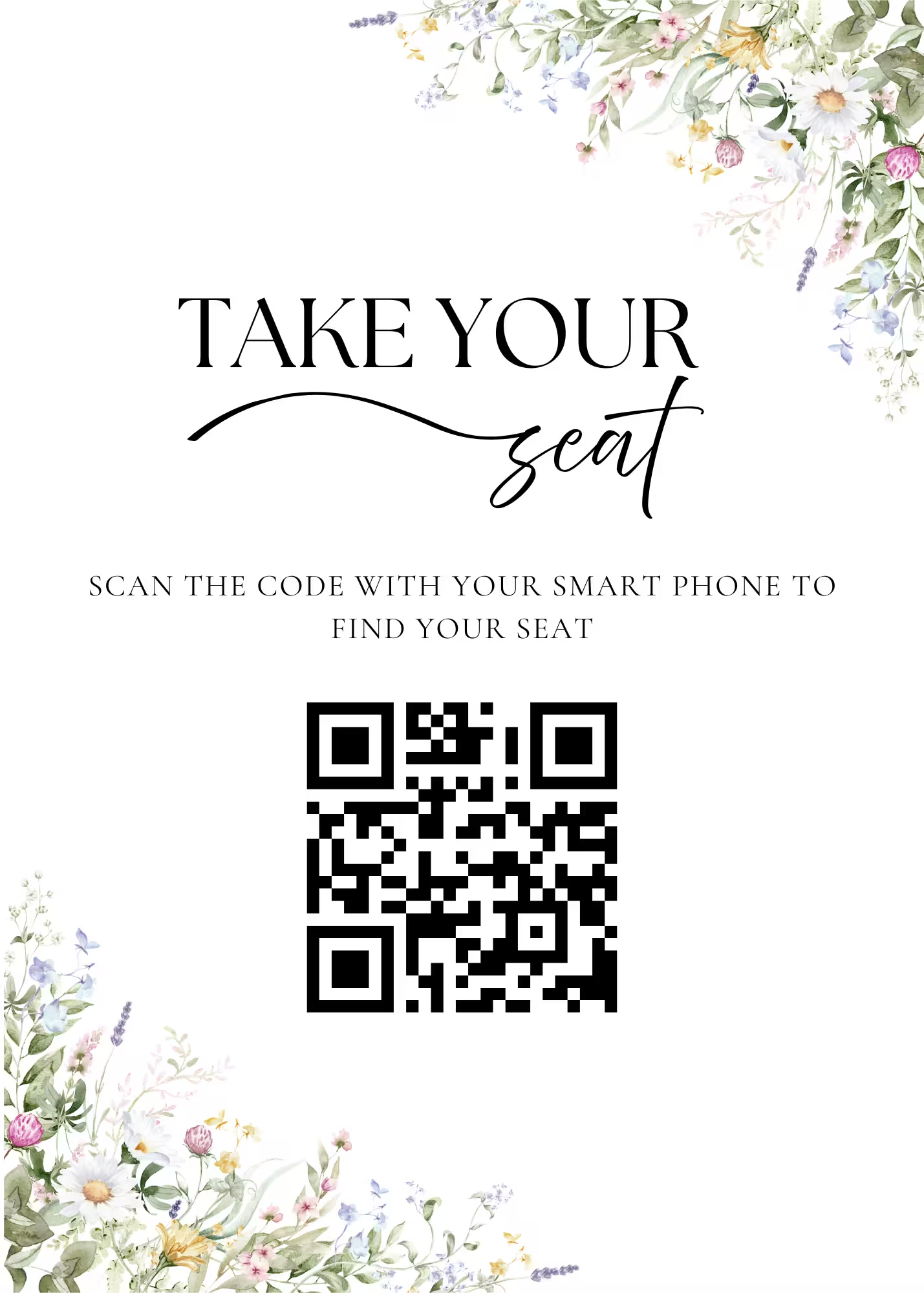
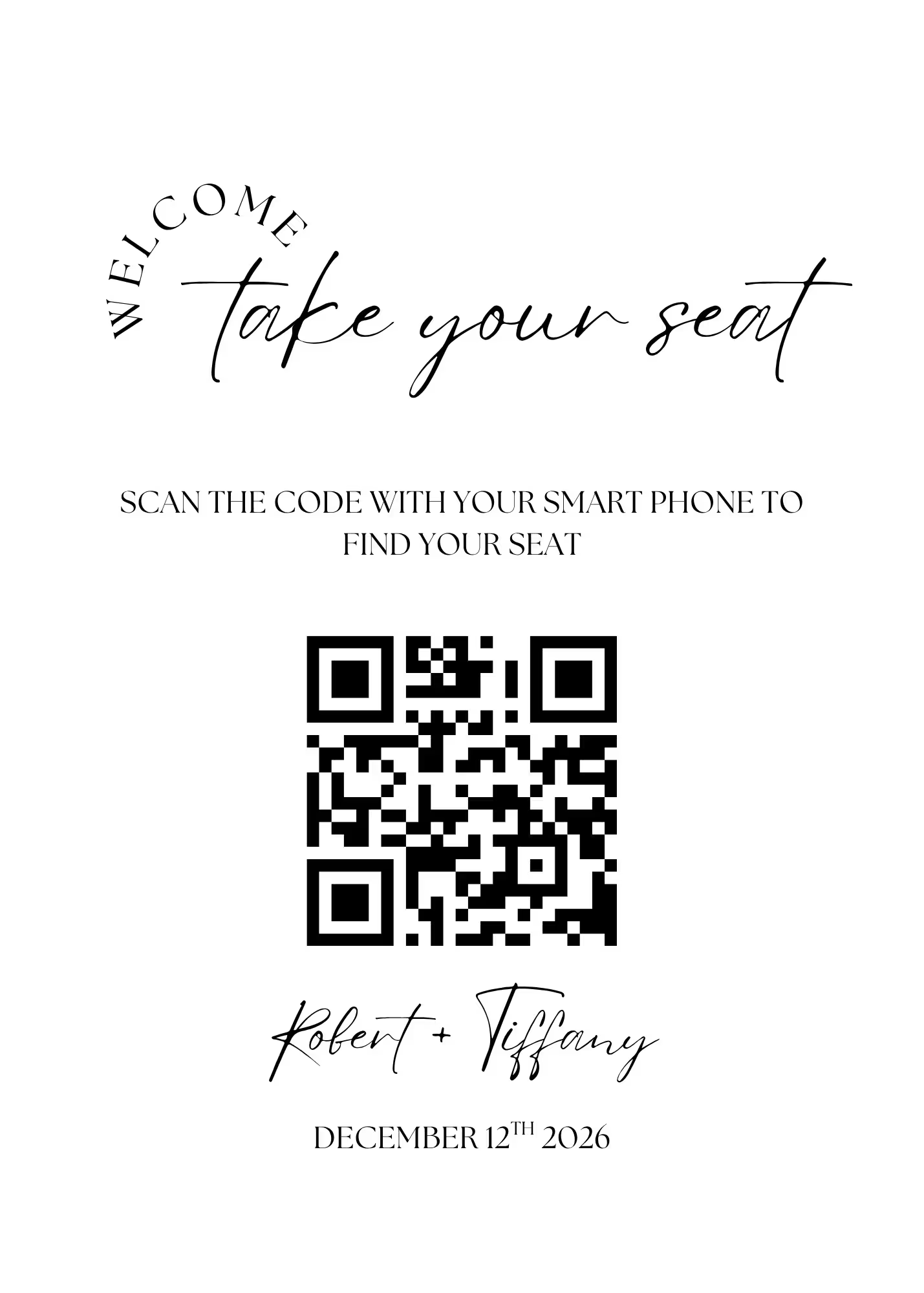
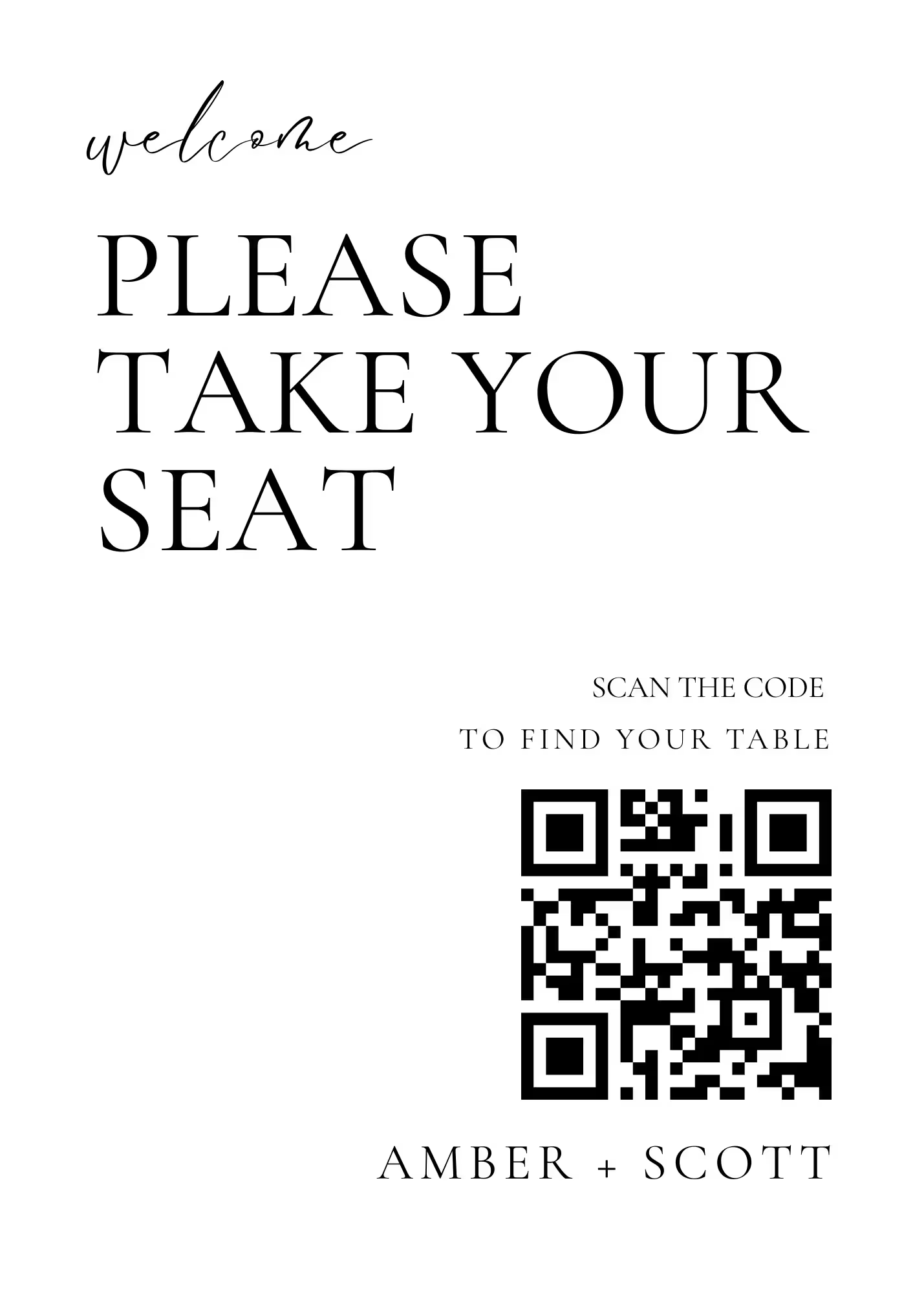
Wedibox auto-generates a unique QR code linked to your seating chart. Drop it into one of ten free Canva sign templates and print.
3
Guests scan the QR code, type their name, and see their table immediately. Smart matching catches typos and nicknames so they get the right answer first try.
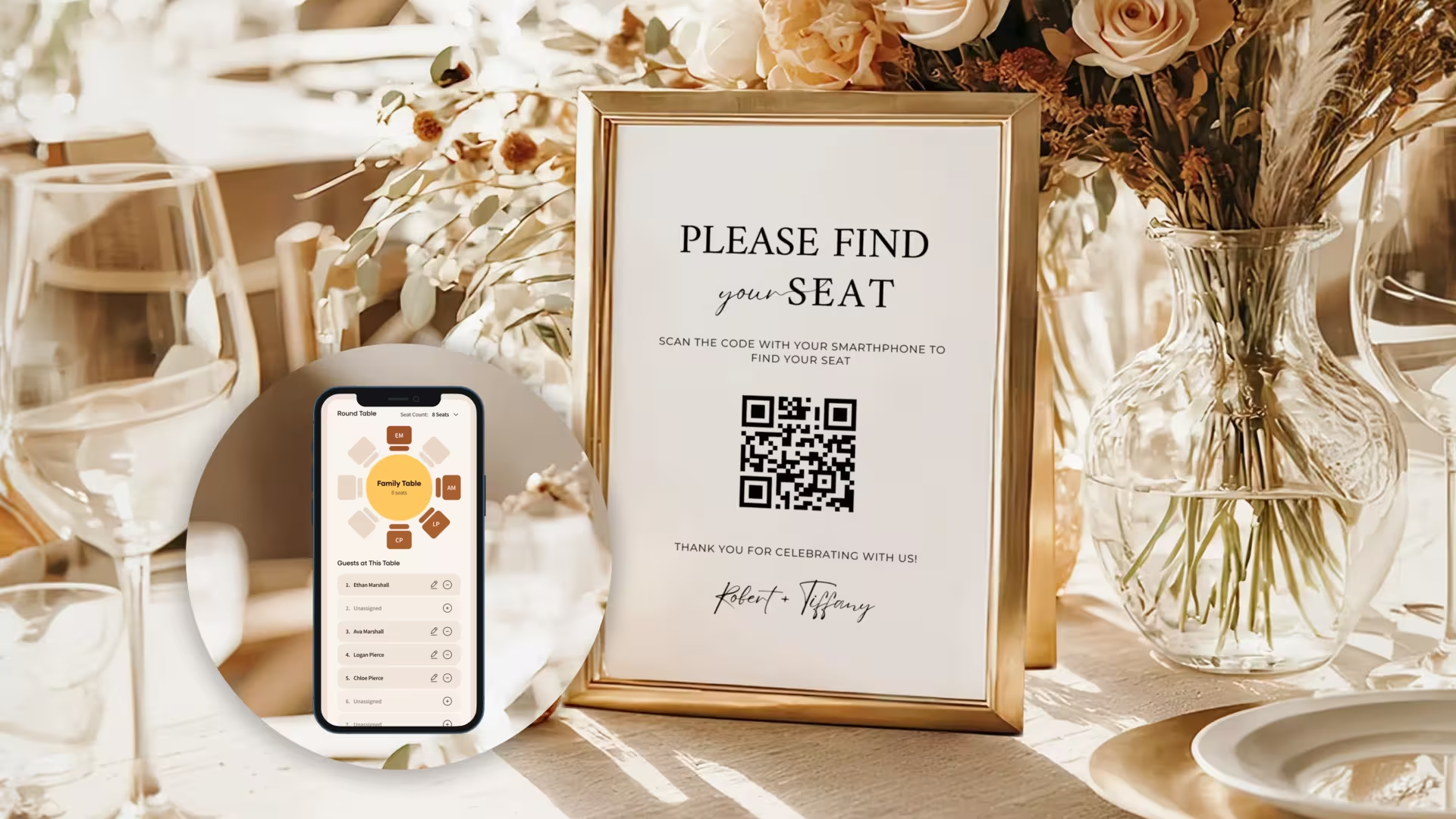
The wedding industry quietly moved on. Here is what couples are actually doing in 2026 instead of fighting with foam core and easels.
1
A single sign on an easel with a scannable QR code. Guests scan, search their name, walk to their seat. The whole entrance moves twice as fast as a poster line.
2
Drop business-card-sized QR cards on the bar and high tops. Guests look up their seat with a fresh drink in hand instead of crowding the entrance.
3
Keep the gorgeous calligraphed sign for the photos. Add a small QR code in the corner so anyone who cannot find their name on the poster can search instead.
4
Print the QR code on the back of every escort card. Guests grab a card, scan it, and confirm the table on their phone instead of squinting at calligraphy.
5
Half your guest list speaks Spanish. Half speaks English. A digital chart lets guests pick their language. The sign at the door stays beautifully simple.
6
Print the QR code inside every program. Guests look up their table during the ceremony so they walk straight to dinner without stopping at any sign.
Four parts of one workflow, all included free with every Wedibox wedding website.
SCAN, SEARCH, SEAT
Wedibox generates a single QR code that points to your live, searchable seating chart. Print it on a sign, tuck it into table cards, or hand it to your day-of coordinator. Guests open it with the camera app on any phone — no apps, no logins, no friction. The link stays the same even if you swap tables the morning of, so what you print at week six still works on the day.
Same QR code forever — print at week six, edit until the wedding morning
Works on every smartphone with a camera
Updates instantly when you change assignments
Connects to photos, RSVP, and registry through one scan
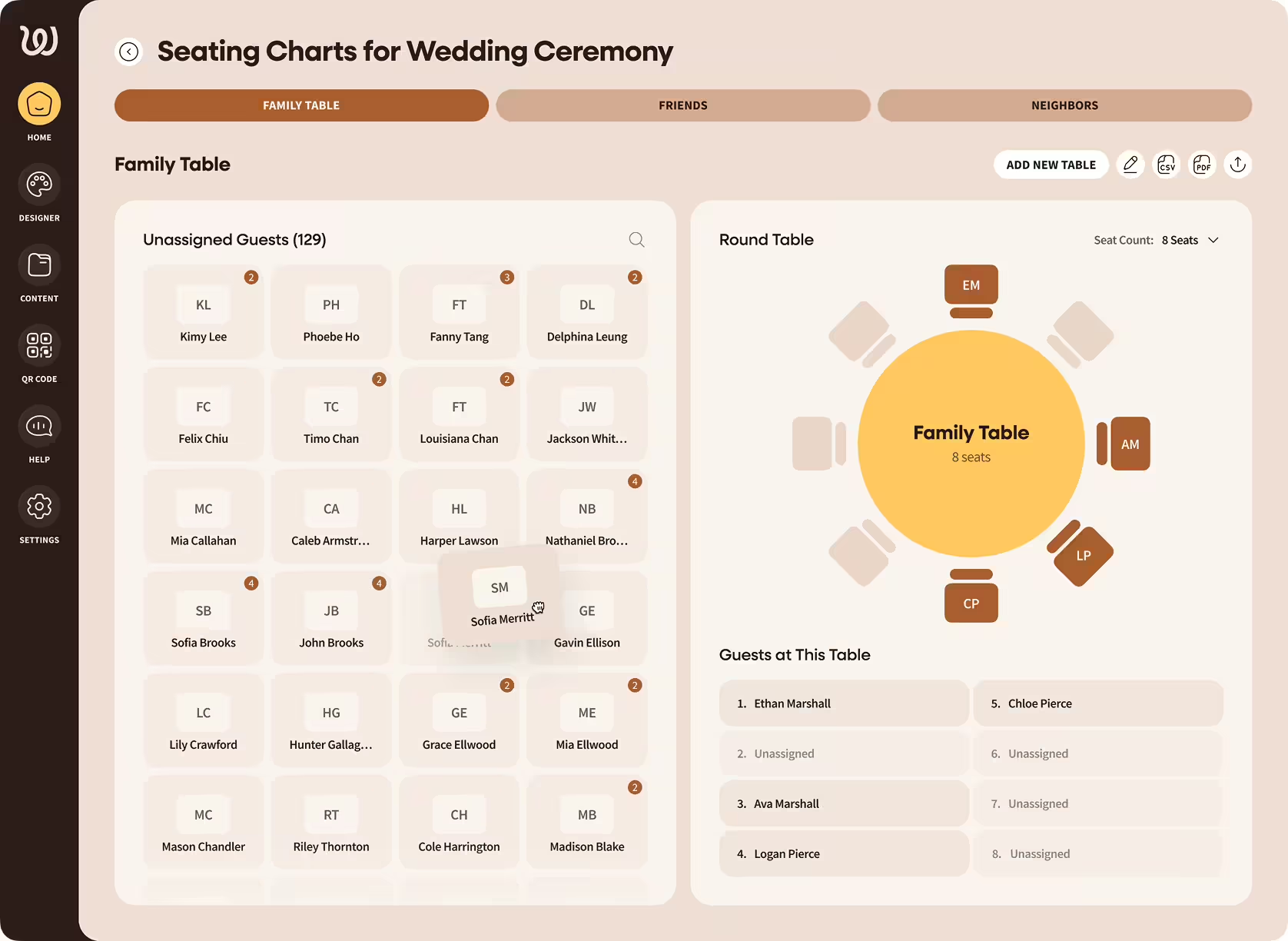
Pick round or rectangular tables, set 4–16 seats per table, and lay them out the way the venue actually looks. Click any seat to assign a guest, or drag names from your guest list onto chairs. Rename tables ("Family," "College Friends," "Table 7"), color-code groups, and reshuffle until the room feels right.
Round and rectangular tables with adjustable seat counts
Custom table names and color-coding
Print-ready PDF export for caterers and venues
Co-edit with a partner, planner, or family member in real time
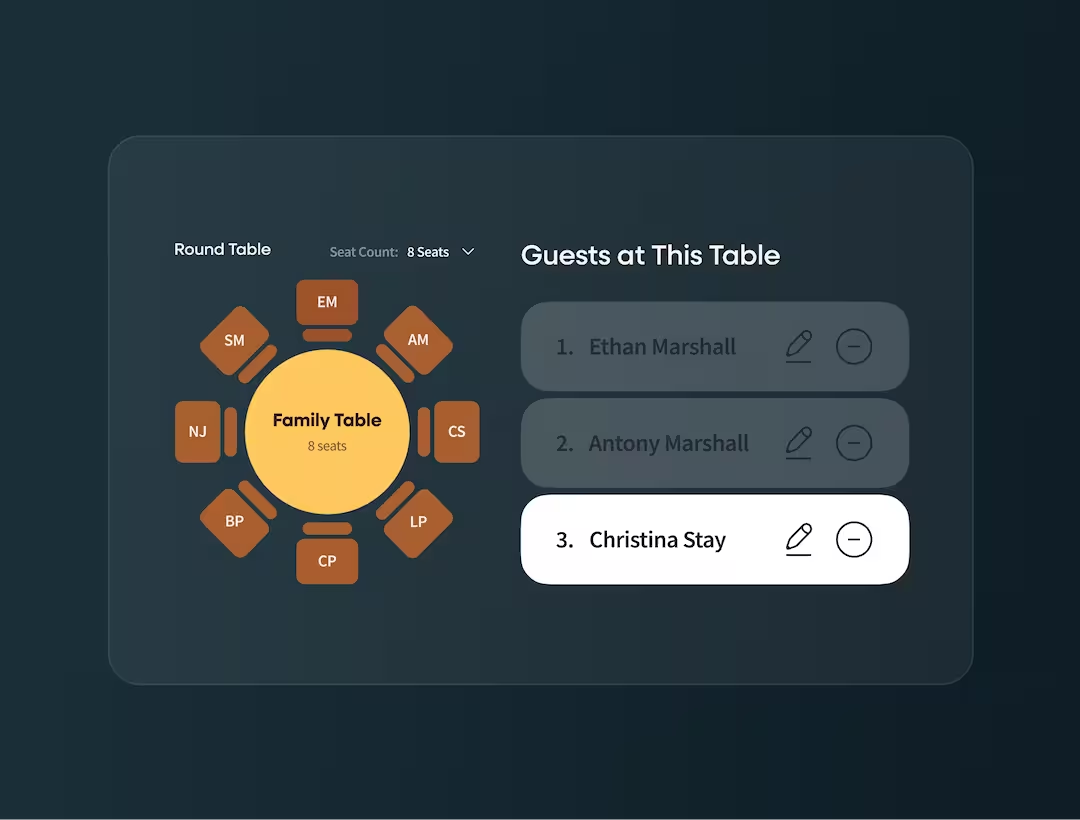
Wedibox pulls names directly from your RSVP responses. Decline an invite? They drop off the chart. Add a plus-one? They show up automatically with the primary guest. Already have a spreadsheet? Upload a CSV from The Knot, Zola, or Google Sheets — column mapping is automatic. Filter by attending, pending, or meal preference, then drag the right people onto the right tables.
Auto-sync from your Wedibox RSVP form
CSV import from any source — The Knot, Zola, Sheets
Filter by RSVP status or meal preference
When guests scan your QR code, they don't land on a bare seating chart — they arrive on your wedding website. Your colors, your photos, your story. The seating chart sits alongside the schedule, registry, photo gallery, and audio guestbook, so guests scan once and stay for the whole evening.
Toggle visibility on or off as you build the rest of the site
Same QR code drives every feature on the site
Lives on your branded wedding website, not a generic page
Skip the spreadsheet copy-paste. Pull names straight from your Wedibox RSVP form, or upload a CSV in one click. Either way, your seating chart is populated in seconds.
When guests RSVP through your Wedibox wedding website, their names flow directly into your guest list. As confirmations come in, drag attending guests onto tables. Decline an invite? They disappear from the seating pool. Plus-ones added? They show up labeled and ready to seat.
Real-time sync with your RSVP form
Decline and no-response statuses keep your chart accurate
One workflow from invite sent to dinner served
Bring your guest list from The Knot, Zola, Google Sheets, or your wedding planner's template. Drop the CSV into Wedibox and we map columns to first name, last name, email, and table preferences automatically. One click and your chart is populated.
Map any CSV format — first name, last name, email, party size
Export back to CSV for caterers and venues
Works with The Knot, Zola, Google Sheets, Excel, and more
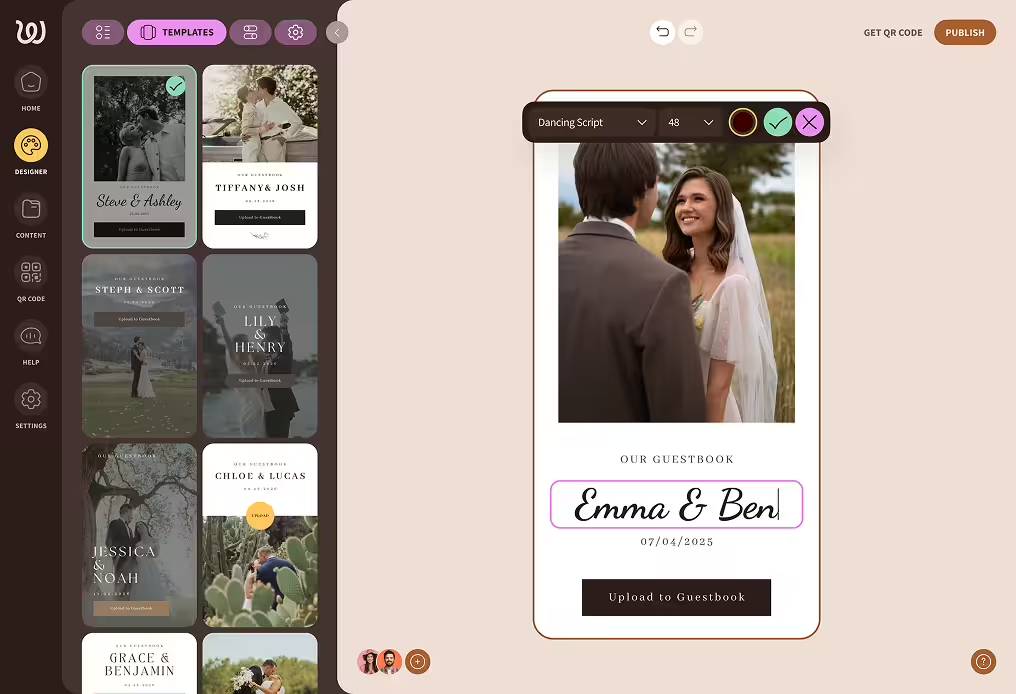
Choose from elegant, customizable templates designed specifically for weddings. Match your colors. Add your photos. Make it feel like you without hiring a designer or learning to code. Every template is mobile-optimized, easy to navigate, and built to show your story.
Feature
Traditional Chart

Wedibox QR Code Chart

Yes. The QR code points to your seating chart page, not to fixed data. Update assignments from your phone or laptop and guests see the new version when they scan. No reprinting needed.
Wedibox is the only platform where one QR code drives your seating chart and your photo gallery, audio guestbook, RSVP form, and wedding website. Pleasefindyourseat and DigiSeats are seating-only tools. Wedibox also includes typo-tolerant name search, RSVP-to-seating sync, and free Canva sign templates at no extra cost.
A QR code seating chart is a digital wedding seating plan that guests access by scanning a printed QR code with their phone camera. Instead of squinting at a poster board, they type their name into a search bar and instantly see their table assignment. Wedibox generates the QR code automatically, so couples can print it on any sign or template.
Guests scan a QR code with their phone camera. The link opens in their browser, where they type their name into a search bar and instantly see their table. No app download, no login, no waiting in line at a poster board.
Yes. Wedibox's smart name search includes typo tolerance, nickname matching, and partial-name search. A guest who types "Sarrah" still finds "Sarah," and "Liz" finds "Elizabeth Whitman." The search is also accent-aware and works across languages, so wedding-day spelling stress disappears.
Yes. Wedibox accepts CSV uploads from any source — The Knot, Zola, Google Sheets, or your wedding planner's template. Column mapping is automatic for first name, last name, email, and party size. You can also re-import later to add late RSVPs without losing existing table assignments.
Yes. When guests RSVP through your Wedibox wedding website, their names auto-populate your seating chart. Plus-ones are added with the primary guest, declines drop off, and meal preferences carry over. This is unique to Wedibox — most digital seating tools require a separate CSV upload.
Build your chart in Wedibox, and the system generates your QR code automatically. Download it and add it to any signage template.
Your seating chart lives on the same wedding page as everything else. Guests scan once and access:









The entrance to your reception sets the tone. Make it smooth, modern, and stress-free. Build your digital seating chart with Wedibox and let guests find their seats before they finish their first cocktail.