How a Drop Works
A drop is one wedding, delivered as one link. You upload from your phone, publish it under your name, and the couple opens it inside the Wedibox gallery they already use. Five steps, all from your phone, no folder links.
-
1
Create the drop
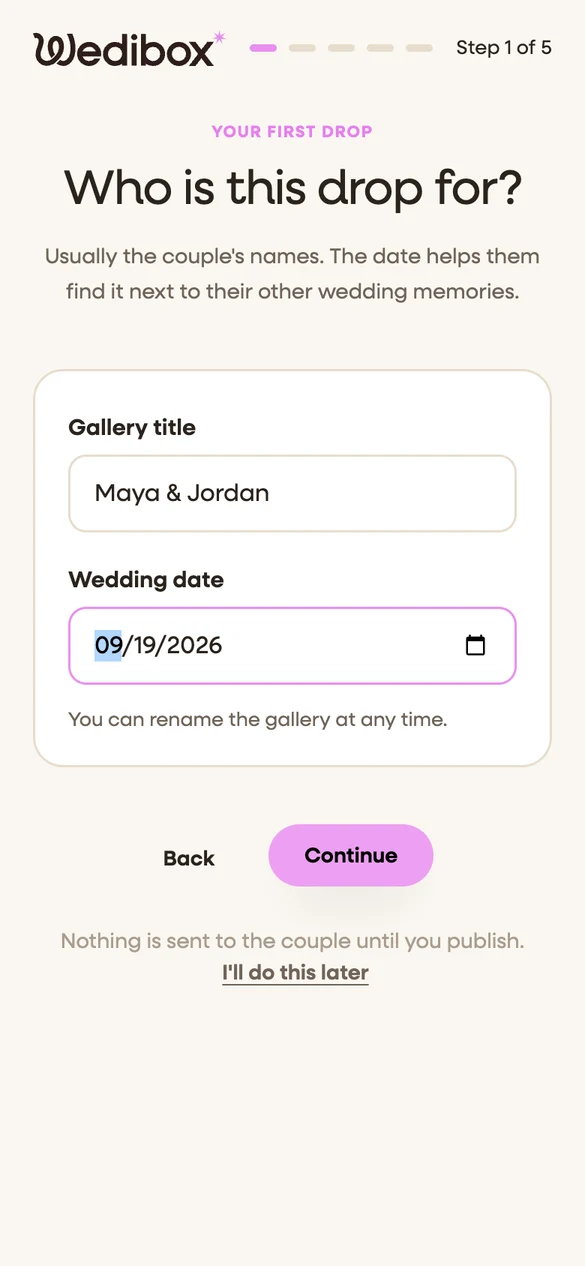
Name it after the couple, add the wedding date, and set the link once: your studio name first, then this wedding. Add the couple's email now or later. Nothing reaches them until you publish.
- The couple's names and their date
- A link that carries your studio name
- Nothing is sent until you publish
-
2
Upload from your phone
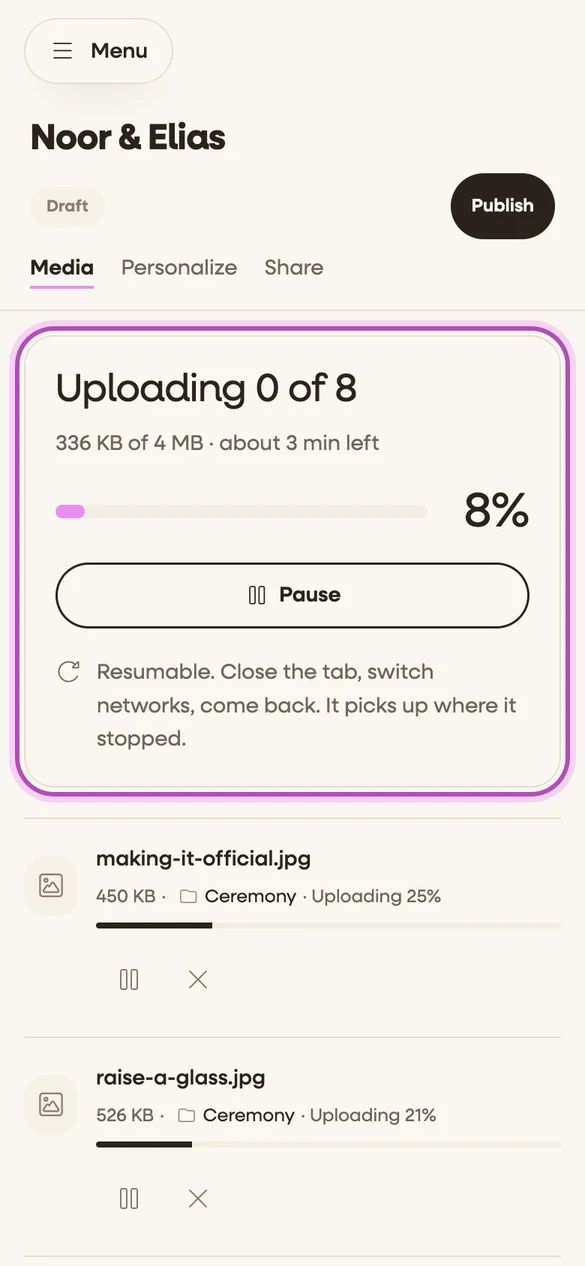
Pick the photos and clips from your camera roll, or import a folder from Dropbox or Google. Files up to 20 GB each upload in the background and pick up where they stopped if the signal drops or the tab closes. Every file is stored as you shot it.
- Up to 20 GB per file, no cap per drop
- Resumes on its own after a dropped connection
- Originals, never compressed
-
3
Make it look like your work
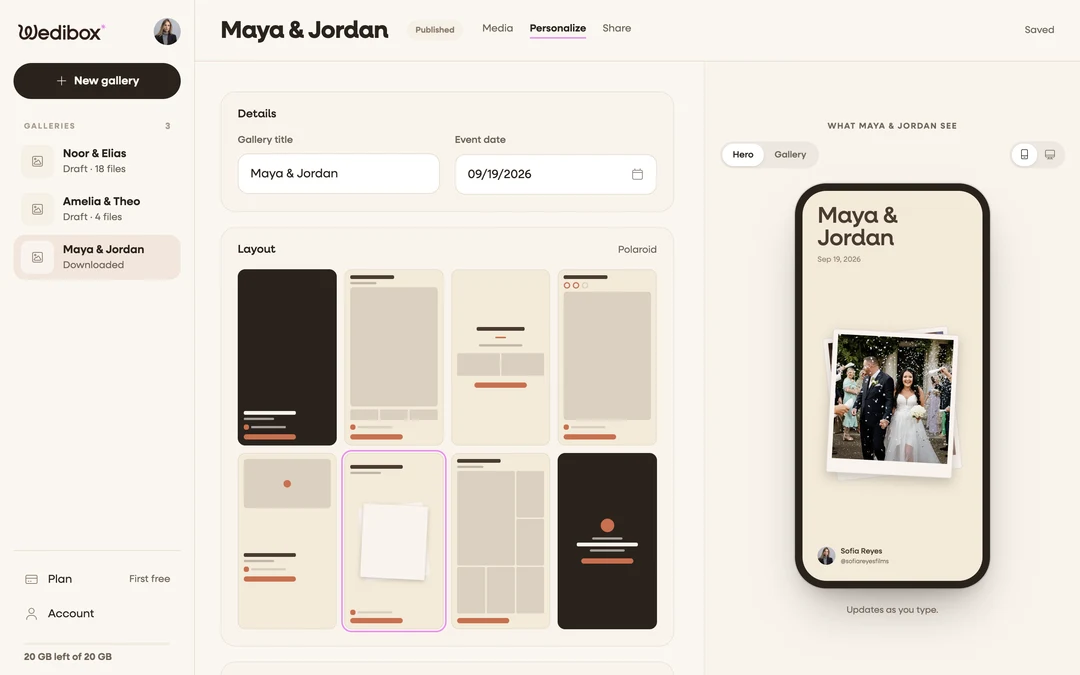
Pick one of eight openings, a palette, and the fonts. Choose the cover, sort files into albums, and write a note to the couple. Your name, handle, and photo sit on the drop. The preview updates as you type.
- Eight openings, twelve palettes, your fonts
- Albums, a cover, and a note from you
- Your name and photo on every drop
-
4
Publish and send one link
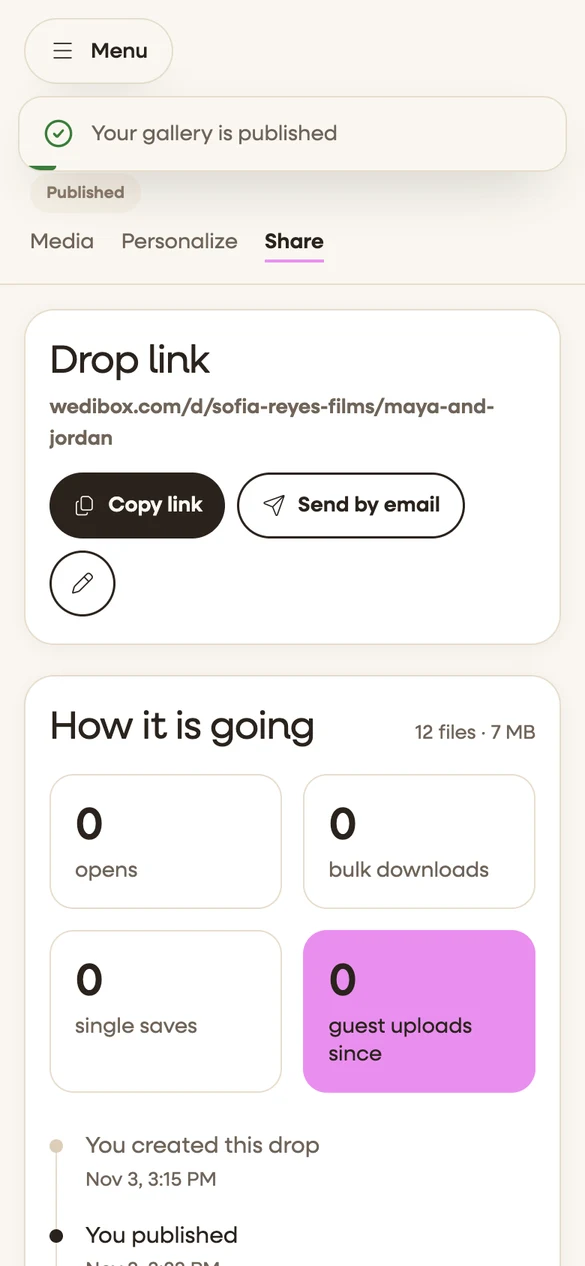
One tap publishes the drop and emails the couple their link. You can publish while clips are still uploading; they appear as each one lands. Decide whether the couple can download the originals, and add a password if you want one.
- One email from Wedibox, one link
- Publish while the last clips are still uploading
- Downloads and a password, your call
-
5
The couple opens it in their Wedibox
The link opens on any phone or laptop with no app. A couple new to Wedibox gets a free event on the spot; a couple already on Wedibox finds the drop at the top of the gallery they own, above their guests' photos. They watch in full quality and download the originals when you allow it.
- No app, no account to set up
- Your section sits above the guest uploads
- Full quality to watch, originals to download
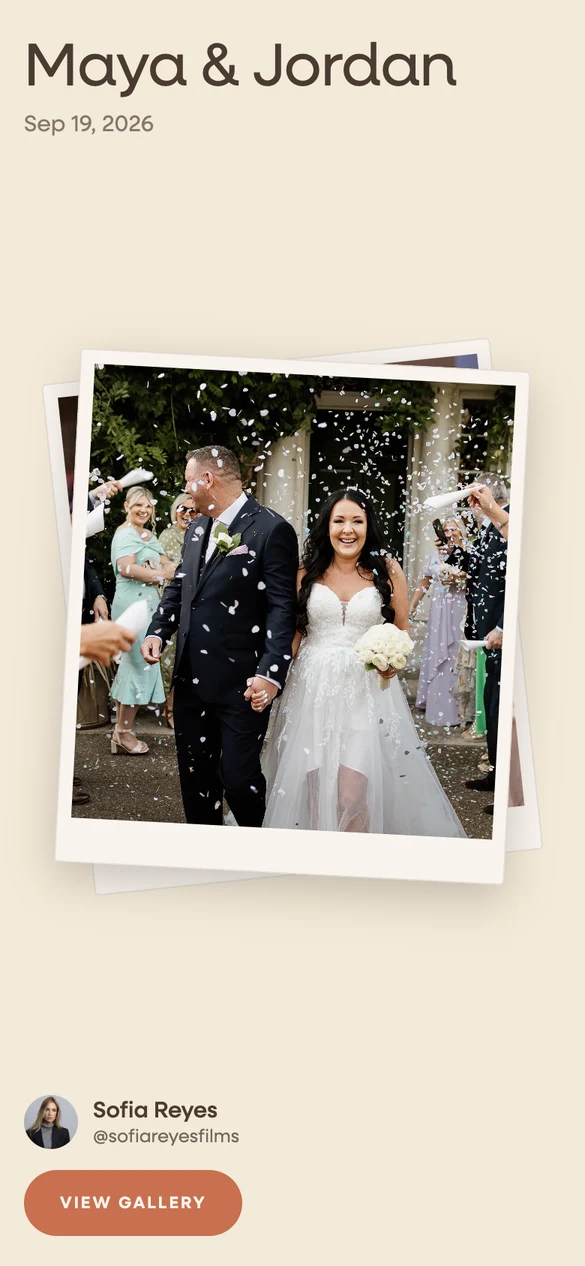
One Drop, Start to Finish
Create the drop, upload, share one link, and the couple opens it inside their Wedibox. The loop on the right plays all of it in twenty seconds.






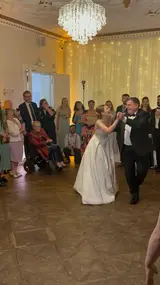


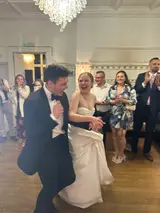


The Same Five Steps for Every Role
-
Content creators
Phone photos and vertical clips, delivered the same weekend. Add more clips later and the couple sees them in the same drop.
-
Photographers
The finished gallery at full resolution, under your studio name. The couple downloads all of it or one photo at a time.
-
Videographers
The highlight film and the full edit. Multi gigabyte files upload with resume, stream in 4K, and stay downloadable.
Deliver Your Next Wedding This Way
Make your first drop, publish it, and send the couple one link.