How guests can like, comment, and favorite photos
Photo sharingAll plans
Your gallery isn’t just a drop box; it’s a shared feed. Guests can heart the photos they love and leave comments under them, which keeps people browsing (and uploading) all night. Here’s what the experience looks like from their side, and where you see it from yours.
Plan: All plans · Where: your live gallery, from your page or the photo-sharing QR
Before you start
- The gallery must be visible to guests: if Hide live feed from guests is on, guests can upload but not browse, so likes and comments are effectively off.
Steps
-
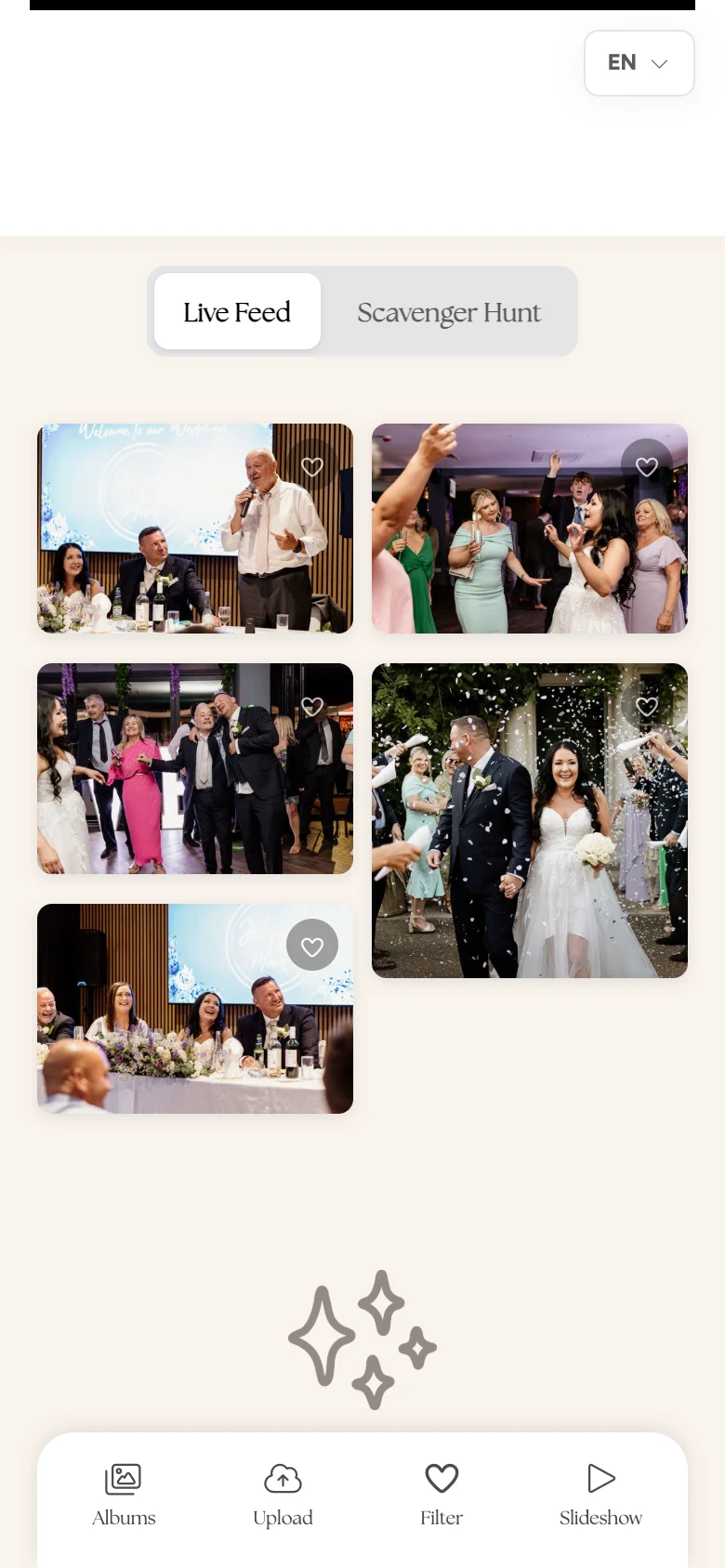
Guests open the gallery. From your page they scroll to the live gallery, pick an album, and browse the grid. The bar along the bottom gives them Albums, Upload, Filter, and Slideshow.
-
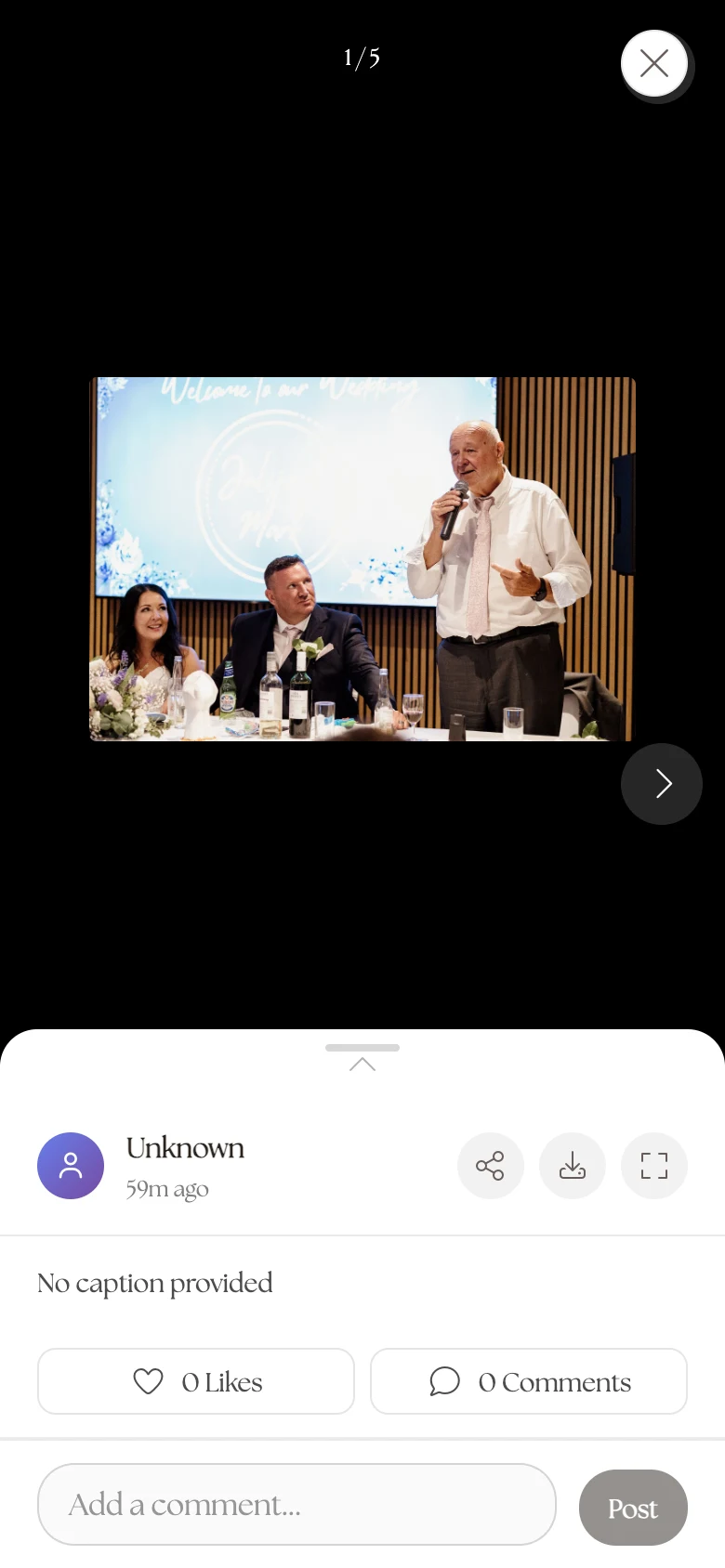
They tap a photo to open it. The detail view shows the photo full-size with the uploader’s name, the caption, and the action row underneath, like on the left, comments next to it.
-
They like it. Tapping the heart adds a like; the count next to the heart updates for everyone. Tapping again unlikes.
-
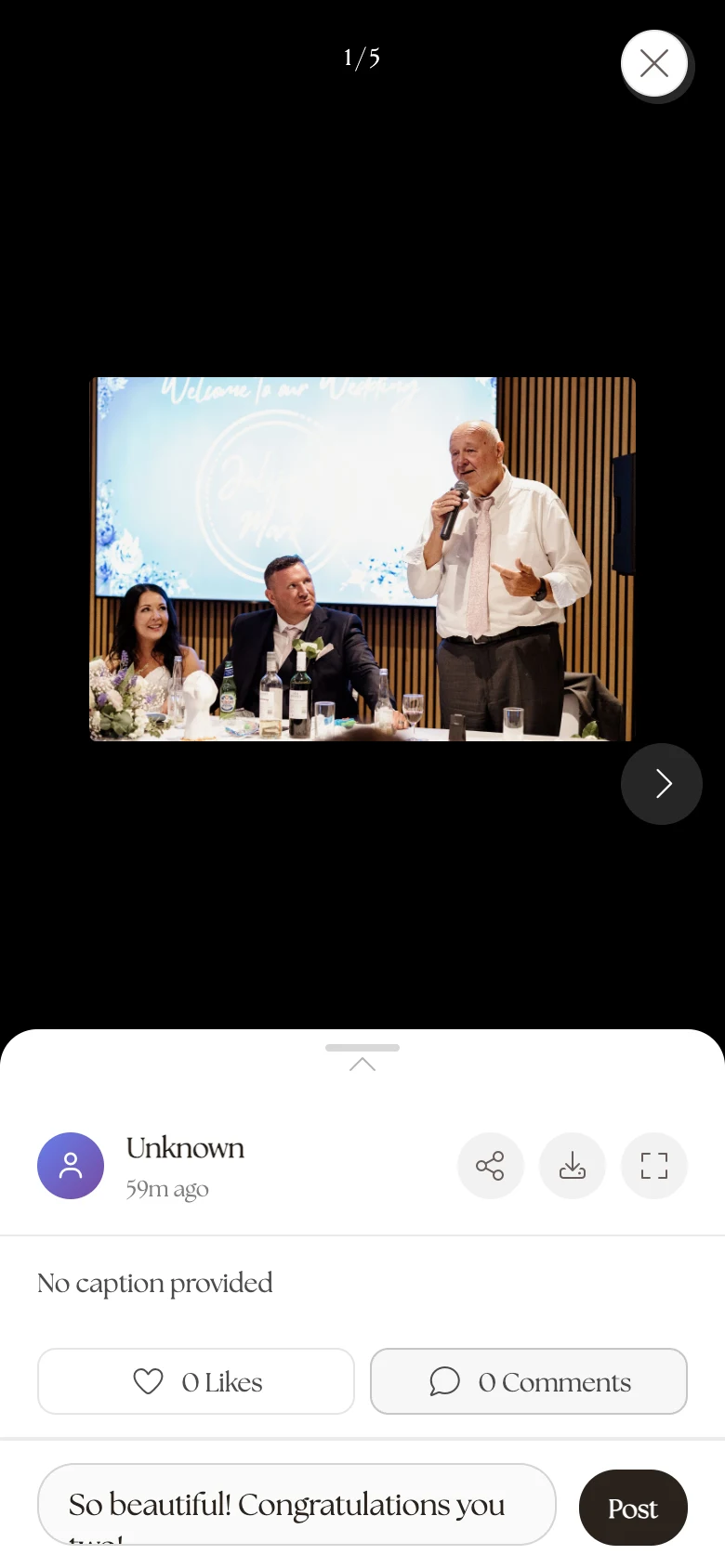
They comment. Tapping the comment field (“Add a comment…”) opens the thread. The first time, the gallery asks for their name (“Enter your name to comment”) so comments are signed; then they type and hit Post. Empty threads show “No comments yet. Be the first to comment!”, an invitation that works surprisingly well.
-
They filter to the good stuff. The Filter button in the bottom bar narrows the grid to favorited photos: the crowd-curated highlight reel of your day.
What you should see
On your Photos & video page, each photo’s detail view carries its like count and comments, and your own Favorites tab tracks the photos you’ve hearted yourself, handy when you’re picking prints. Likes and comments need no account: a guest’s name is remembered on their device after they enter it once.
If something goes wrong
- A guest can’t like or comment. They’re probably viewing through the editor-style preview rather than your live page, or the gallery is hidden. Send them your real link (wedibox.com/w/your-slug).
- A comment needs to go. Comments can’t be edited from the dashboard today; deleting the photo removes its thread.