Fixing microphone problems when recording
GuestbookFor guests
You tapped Leave a Voicemail, hit Start Recording, and something’s not working. Nearly every recording problem is one of the three below, and each takes under a minute to fix. Recording happens right in your browser, so the fixes are all browser settings, not app installs.
“Could not access microphone. Please allow microphone permissions.”
Your browser blocked the page from using the mic, usually because a permission popup was dismissed the first time.
-
Tap Start Recording again and watch for the browser’s permission prompt. Choose Allow.
-
No prompt appears? The block was saved. Look for the microphone or lock icon next to the page’s address, open it, and allow microphone access for this site.
-
Still blocked? Your phone may not let the browser itself use the mic. Open your phone’s settings, find your browser app, and switch its microphone permission on, then reload the page.
“Microphone access requires a secure connection (HTTPS).”
Browsers only hand over the microphone on secure pages, and the page you’re on isn’t being treated as one. This mostly happens inside in-app browsers: the mini browser that opens when you tap a link inside a social or messaging app.
- Open the page in your real browser instead: look for an “open in browser” option in the in-app browser’s menu, or copy the link and paste it into Safari or Chrome.
- Typing the address by hand? Make sure it starts with
https://, or just scan the couple’s QR code again, which always opens the secure address.
The recording is silent (or cuts your first words off)
The recorder worked, but the take didn’t catch you. This one’s about timing and hardware, not permissions.
-
Wait for the beep. After you tap Start Recording you’ll hear a ring and the couple’s greeting first; recording only starts after the beep, so anything said before it isn’t captured.
-
Check what’s covering the mic: cases, pop sockets, or holding the phone by the bottom edge can muffle it. Speak within arm’s length.
-
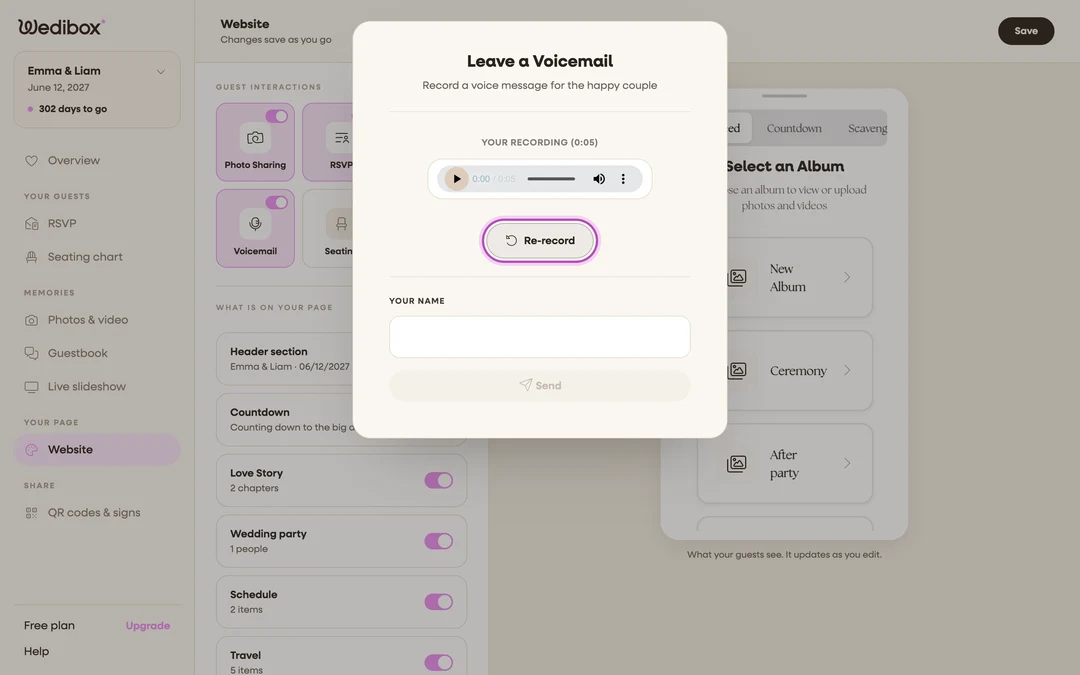
Listen back under “Your recording”. Not right? Tap Re-record and take it again. Takes are unlimited.
-
Hear nothing during playback at all? Flip your phone off silent and raise the media volume before judging the take.