How to RSVP to a wedding on Wedibox
For guestsFor guests
The couple’s RSVP form lives online. No card to mail back. You answer for everyone in your party at once, including separate answers for each event (ceremony, reception, brunch) if the couple planned more than one. It takes a few minutes on your phone.
Plan: For guests · Where: the couple’s RSVP link or QR code, or the RSVP button on their wedding page
Before you start
- Know who from your household is coming. You’ll answer for the whole party in one go.
- If the invitation mentions an RSVP code, keep it handy.
Steps
-
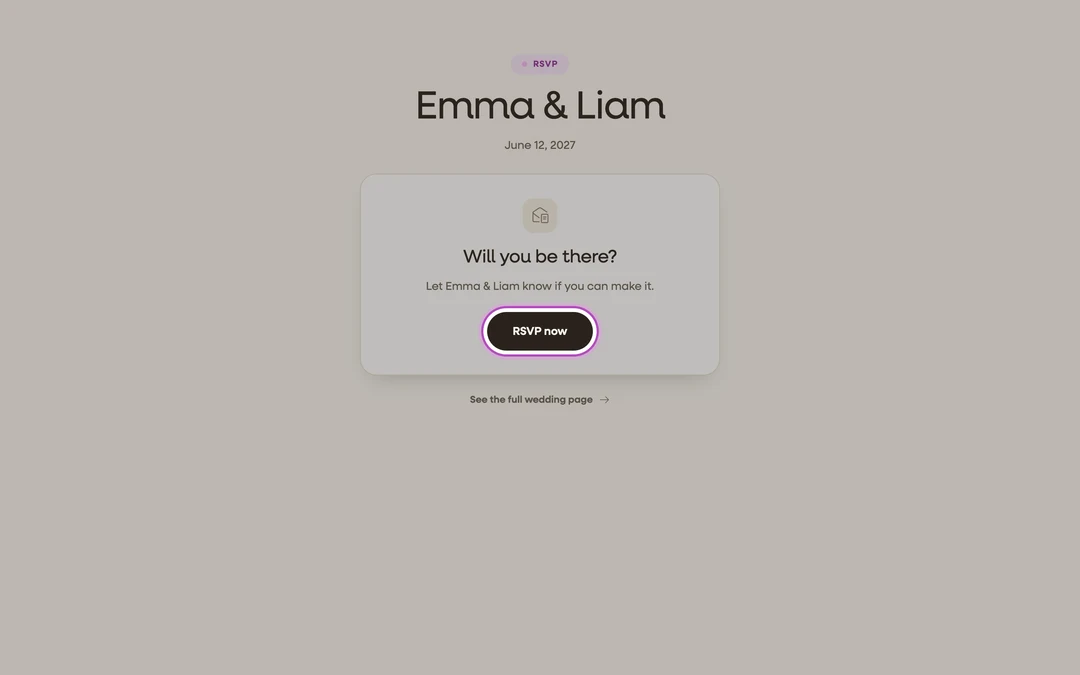
Open the RSVP. Tap the couple’s RSVP link or scan their RSVP QR code, then tap RSVP now. On their wedding page, the RSVP button opens the same form.
-
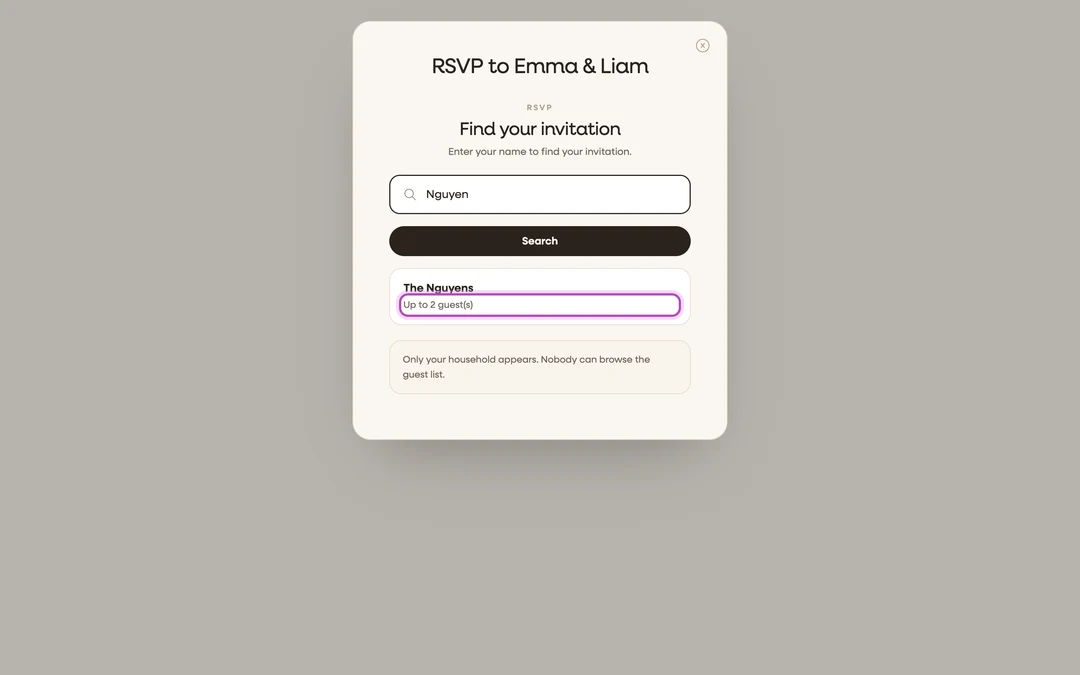
Find your invitation. If the couple built a guest list, you’ll see Find your invitation. Type your first or last name and tap Search, then pick yourself from the matches. Only your own household appears. Nobody can browse the full guest list. Picked the wrong person? Tap Not you? Search again. (No search screen? The couple is using an open RSVP, so just start filling in names.)
-
Confirm who’s replying. Check the names in your party, fix any spelling, and tap Add Another Guest for anyone missing. Your invitation shows how many seats it covers (“Your invitation allows up to 2 guest(s).”).
-
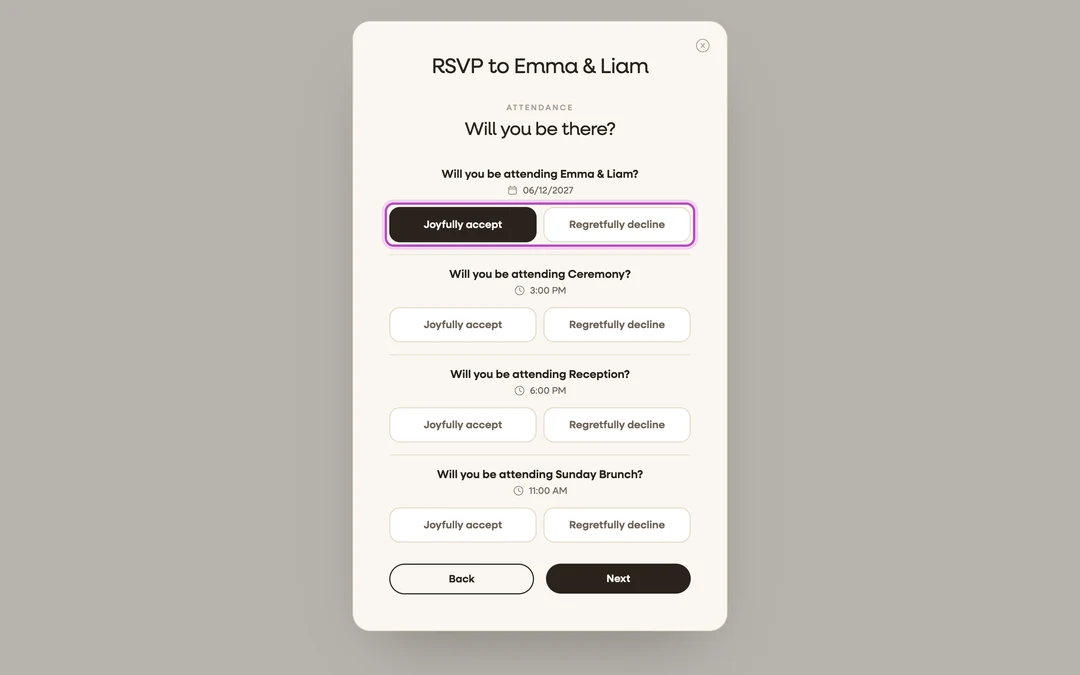
Add contact info and answer. Enter your email and any contact details the couple asks for, then answer for each event: Joyfully accept or Regretfully decline. If the couple requires a code, enter it in the Enter RSVP Code field.
-
Answer any extra questions. Meal choice, song requests, dietary notes: whatever the couple added. Then check the Review Your RSVP screen and tap Submit.


What you should see
A confirmation screen with a check mark: “You’re all set!” and “Your RSVP has been sent to the couple.” Tap Done to close it. Need to change your answer later? Open the same link again. You’ll see “RSVP has already been submitted, you may continue if you wish to update your response,” and you can edit and resubmit.
If something goes wrong
- “We couldn’t find an invitation under that name.”: try your other name (first vs. last), check the spelling, or try the name of whoever the invitation was addressed to. Still nothing? Message the couple; they can add you in seconds.
- “The code you entered is incorrect.”: the RSVP code is on your invitation. Enter it exactly as printed, and ask the couple if you can’t find it.