How to remove or hide a guest photo
Photo sharingAll plans
Someone will upload a blurry floor shot, a duplicate burst, or a photo you’d rather not keep. You have two tools: delete (permanent, gone for everyone) and hide (guests stop seeing it, you keep it). Knowing which to reach for saves you from deleting something you’ll want later.
Plan: All plans · Where: Photos & video (under “Memories”)
Before you start
- Deleting is permanent; there is no trash folder or undo.
- If you only want the gallery out of guests’ sight, hide it instead of deleting (step 4).
Steps
-
Open Photos & video. In the sidebar, click Photos & video (under “Memories”) and select the album the photo is in.
-
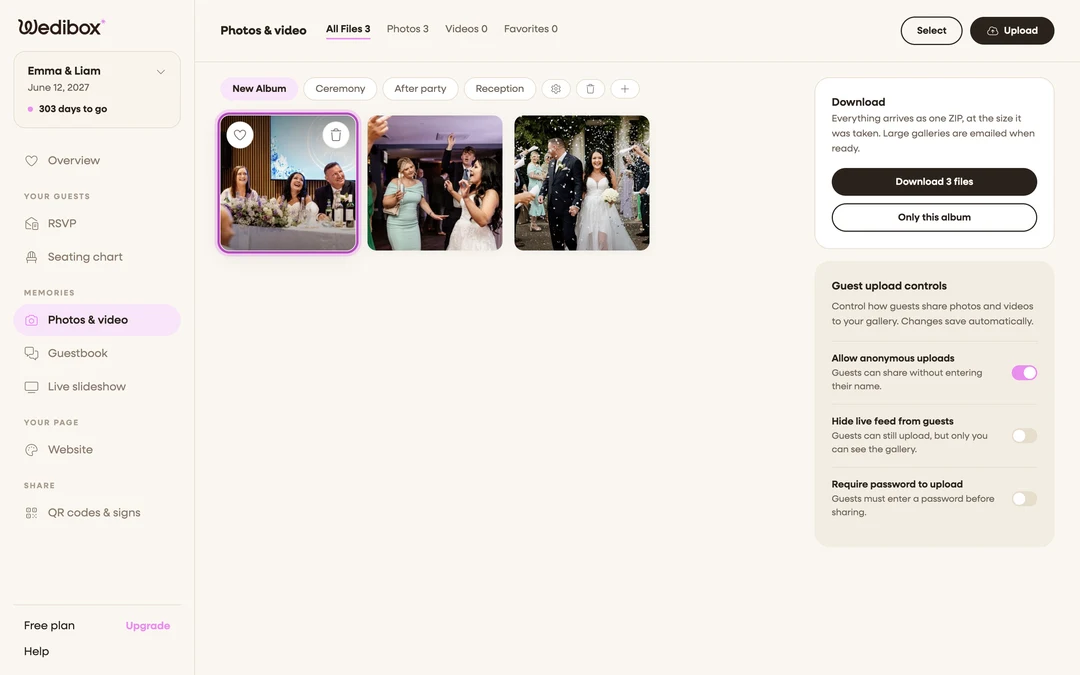
Delete a single photo. Hover the tile and click the trash icon, then confirm “Are you sure you want to delete this upload?”. You can also click the photo open and use the trash icon in the detail view, handy when you need a close look first.
-
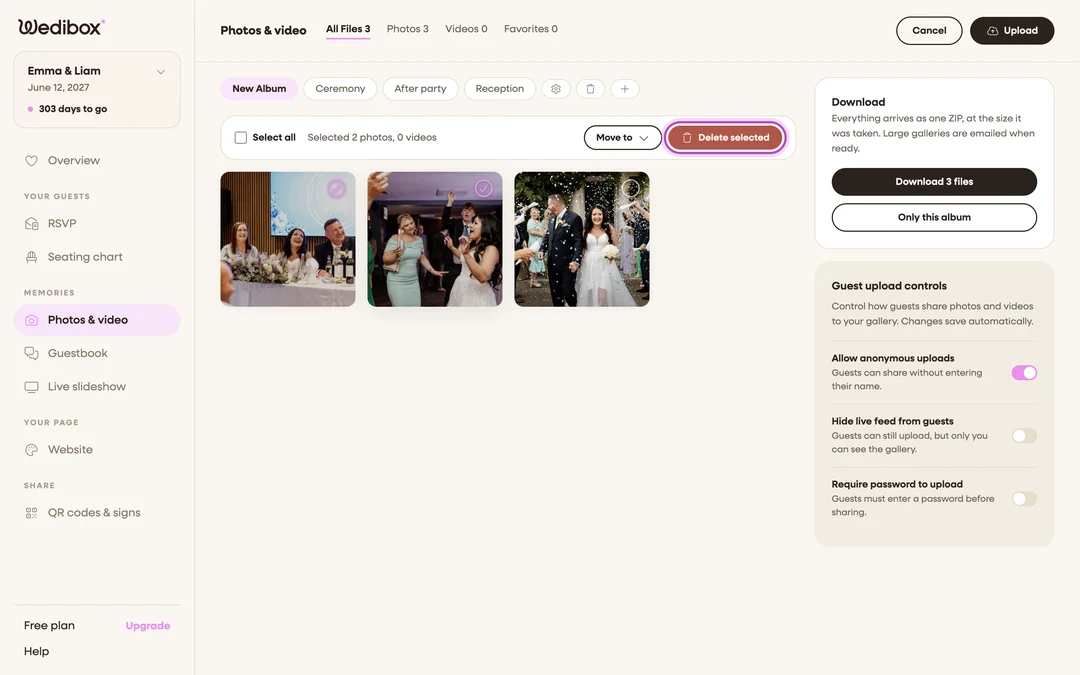
Delete many at once. Click Select in the page header, tick every photo to remove (or Select all), and click Delete selected. One confirmation covers the whole batch.
-
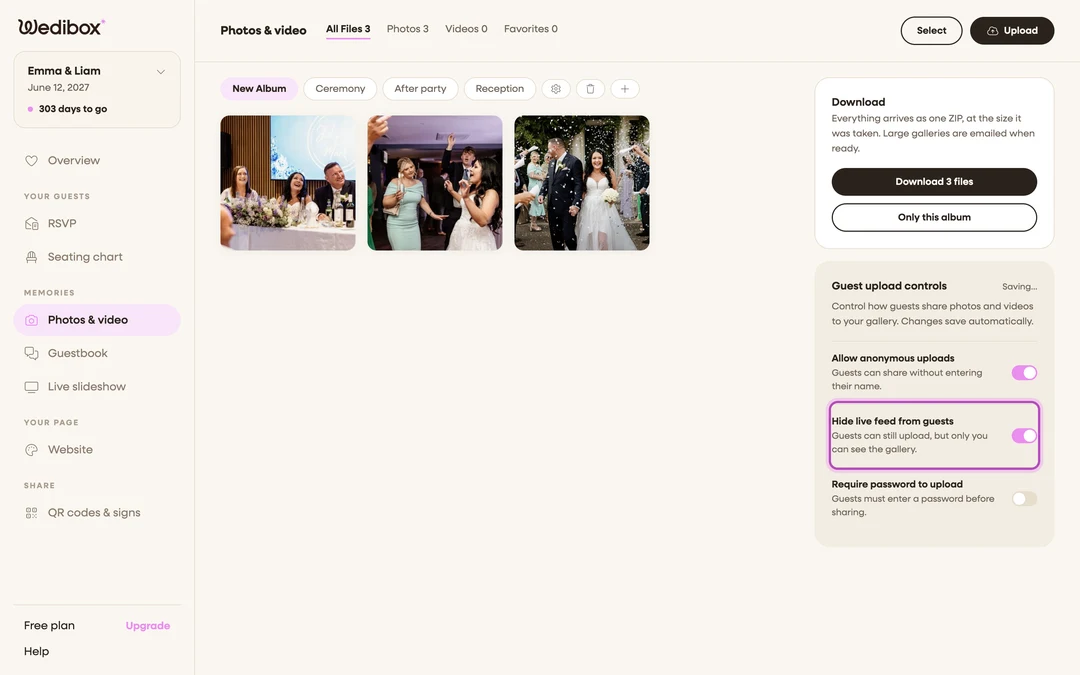
Prefer hiding? Hide the gallery from guests. In the Guest upload controls card, switch on Hide live feed from guests. Guests can keep uploading, but only you can browse; the live feed tab is removed from your wedding page until you switch it back. Flip it back off whenever you’re ready.
-
Or hide just a group of photos. Move them into a hidden album: create an album, switch its PUBLIC VISIBILITY off in Edit Album, then use Select → Move to to file photos into it. Guests never see hidden albums; you see everything.


What you should see
Deleted photos vanish from your gallery, the guest gallery, and your file counts immediately. Hidden content stays counted and downloadable for you; the crossed-eye icon on an album pill reminds you it’s private.
If something goes wrong
- You deleted the wrong photo. Deletion can’t be undone. If the guest still has the original, ask them to upload it again.
- A guest still sees a photo you removed. Their gallery view was already open. Once they refresh, it’s gone.